

Workflow automation platforms connect the apps your business depends on, moving data and triggering actions without manual copy-and-paste. The debate of Zapier vs Make vs n8n comes up constantly because all three are capable, yet they suit very different teams. This guide compares them on usability, flexibility, pricing models, hosting and governance so you can choose with confidence.
Key takeaways
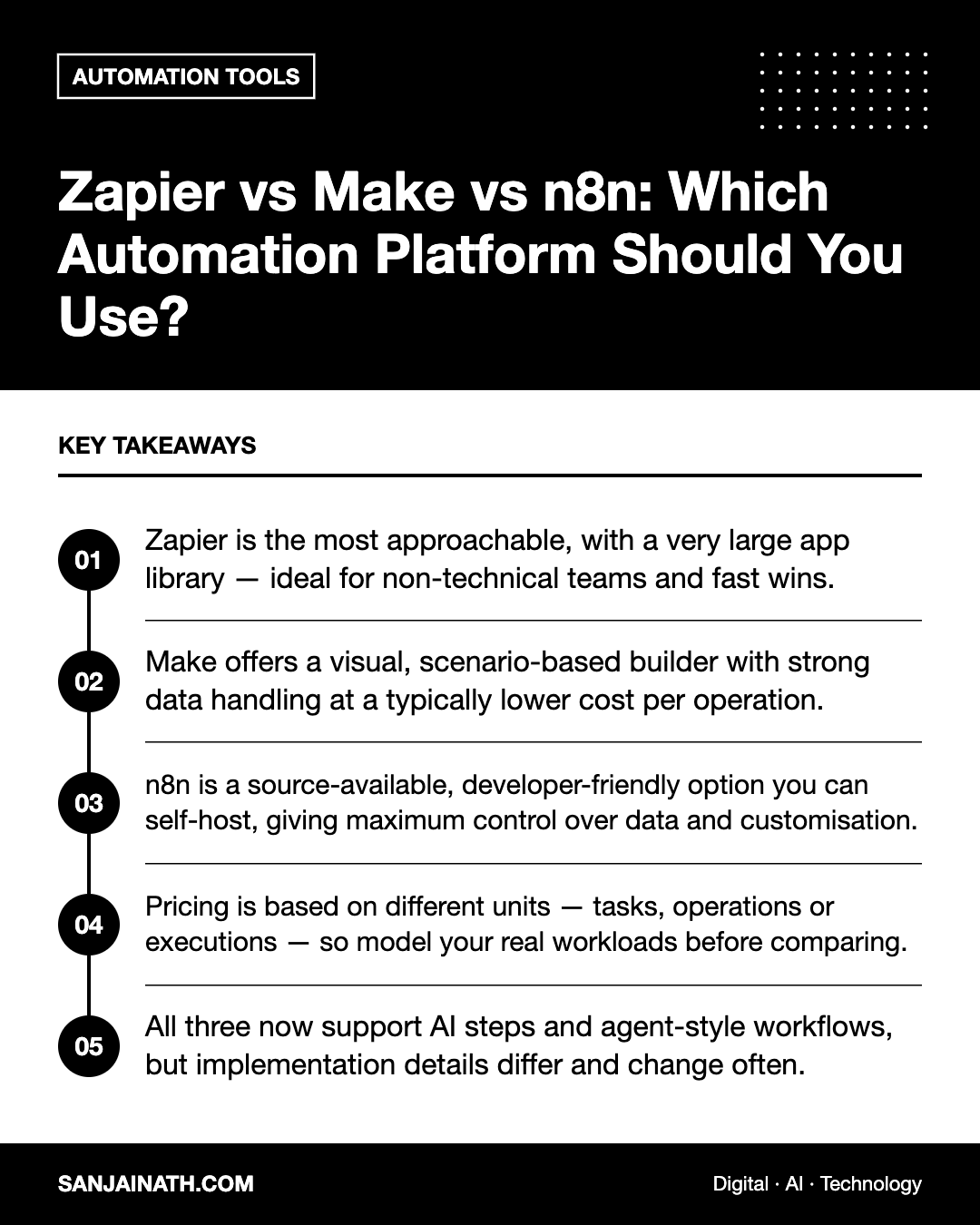
- Zapier is the most approachable, with a very large app library — ideal for non-technical teams and fast wins.
- Make offers a visual, scenario-based builder with strong data handling at a typically lower cost per operation.
- n8n is a source-available, developer-friendly option you can self-host, giving maximum control over data and customisation.
- Pricing is based on different units — tasks, operations or executions — so model your real workloads before comparing.
- All three now support AI steps and agent-style workflows, but implementation details differ and change often.
How workflow automation platforms work
Every platform follows the same basic pattern. A trigger starts the workflow — a new form submission, a new row in a spreadsheet, a paid invoice or a scheduled time. One or more actions then run — creating a CRM contact, posting a Slack message, sending an email or calling an API. Between them sit logic steps such as filters, branches, loops and data transformations.
The differences lie in how you build those workflows, how much complexity the platform handles gracefully, how it charges and where it runs.
Zapier: simplicity and breadth
Zapier is often the first automation tool businesses adopt. Its step-by-step builder guides you through choosing a trigger app, an event and the fields to map, and its library of integrations is among the largest available.
Strengths
- Very low learning curve for marketers, operations staff and founders.
- Extensive pre-built integrations, including many niche SaaS tools.
- Useful extras such as tables, forms and interfaces for building lightweight internal tools.
- Paths, filters and formatter steps cover most everyday logic.
Limitations
- Pricing is based on tasks, so high-volume or multi-step workflows can become expensive.
- Complex data manipulation, loops and error handling are possible but less elegant than in Make or n8n.
- Cloud-only, which may be a concern for organisations with strict data residency requirements.
Make: visual power at scale
Make (formerly Integromat) uses a canvas where each module appears as a node and data flows visibly between them. This makes it easier to understand complex workflows at a glance.
Strengths
- Excellent handling of arrays, iterators, aggregators and routers for complex, branching logic.
- Granular control over individual API calls through HTTP and JSON modules.
- Pricing based on operations, which is often cost-effective for high-volume scenarios.
- Detailed execution history that helps with debugging.
Limitations
- A steeper learning curve than Zapier for non-technical users.
- Each module run consumes operations, so inefficient scenarios can use up allowances quickly.
- Cloud-hosted only, like Zapier.
n8n: control, extensibility and self-hosting
n8n is a node-based workflow tool released under a fair-code, source-available licence. You can use its cloud service or host it yourself on your own servers or cloud account.
Strengths
- Self-hosting: keep data within your own infrastructure, useful for regulated industries and organisations with data localisation requirements, including some in the GCC.
- Developer-friendly: write JavaScript or Python in code nodes, build custom nodes and version workflows.
- Execution-based pricing on its cloud plans, where a whole workflow run counts once regardless of the number of steps — attractive for complex workflows.
- Strong support for building AI agent workflows that combine language models, tools and memory.
Limitations
- Self-hosting means you own updates, backups, security and scaling.
- Fewer pre-built integrations than Zapier, although the HTTP Request node can reach almost any API.
- Licence terms restrict certain commercial uses, such as offering n8n itself as a hosted service, so review them if you plan to embed it in a product.
Zapier vs Make vs n8n: side-by-side
| Factor | Zapier | Make | n8n |
|---|---|---|---|
| Ease of use | Easiest | Moderate | Moderate to technical |
| Builder style | Linear steps | Visual canvas | Visual nodes plus code |
| Billing unit | Tasks | Operations | Workflow executions (cloud) |
| Complex logic | Good | Very strong | Very strong |
| Self-hosting | No | No | Yes |
| Integration library | Largest | Large | Growing, plus any API via HTTP |
| Best for | Non-technical teams | Ops and power users | Technical teams and data-sensitive use cases |
Modelling costs with real workflows
Because each platform counts usage differently, headline plan prices can mislead. Take two or three real workflows and estimate their monthly cost on each platform.
- List the steps: for example, a new lead form triggers enrichment, a CRM update, a Slack alert and a welcome email — four actions.
- Estimate volume: how many times per month will it run?
- Apply each billing model: in Zapier, each successful action typically counts as a task; in Make, each module execution counts as an operation; on n8n cloud, the full run counts as one execution.
- Add hidden costs: premium app access, extra users, higher plan requirements for features such as SSO, and — for self-hosted n8n — server and maintenance time.
Check each vendor’s current pricing pages, as plans and allowances change frequently.
Governance, security and reliability
As automations multiply, they become part of your core operations. Whichever platform you choose, put basic controls in place:
- Ownership: every workflow should have a named owner and a description of its purpose.
- Shared connections: use service accounts rather than personal logins so workflows do not break when someone leaves.
- Error handling: configure alerts and fallback paths for failures, and review error logs weekly.
- Access control: restrict who can edit production workflows and handle credentials.
- Data minimisation: pass only the fields you need, particularly personal data subject to privacy laws.
- Documentation: keep a simple register of workflows, connected systems and business impact.
Which should you choose?
- Choose Zapier if your team is non-technical, you need integrations with many SaaS tools and your volumes are moderate.
- Choose Make if you need complex, data-heavy workflows at scale and have someone comfortable with visual logic and APIs.
- Choose n8n if you have technical resources, need self-hosting or data control, or want to build advanced AI and custom workflows.
Many organisations use more than one: Zapier for quick departmental automations and n8n or Make for central, high-volume processes.
Frequently asked questions
Is n8n free?
n8n offers a self-hosted community edition that you can run without a licence fee under its licence terms, alongside paid cloud and enterprise plans. You still pay for hosting and maintenance when self-hosting.
Can I migrate workflows between Zapier, Make and n8n?
There is no universal one-click migration. You generally rebuild workflows, using your existing ones as specifications. Documenting workflows makes this much easier.
Which platform is best for AI automation?
All three support AI steps. n8n is popular for custom agent workflows, while Zapier and Make make it easy to add AI actions to everyday processes. Test with your specific use case.
Final thoughts
The Zapier vs Make vs n8n decision comes down to who will build the workflows, how complex and high-volume they are, and how much control you need over data. Prototype one real workflow on your top two candidates, compare the build experience and projected cost, and let evidence decide.