
A WooCommerce store can look beautiful and stock excellent products yet still lose sales to slow pages, confusing product information and a checkout that asks too much. WooCommerce optimization means improving the three things that most directly affect revenue: how fast the store loads, how easy it is to buy and how convincingly each page moves shoppers towards a purchase. This guide covers practical steps in each area, whether you run a small boutique or a growing online business.
Key takeaways
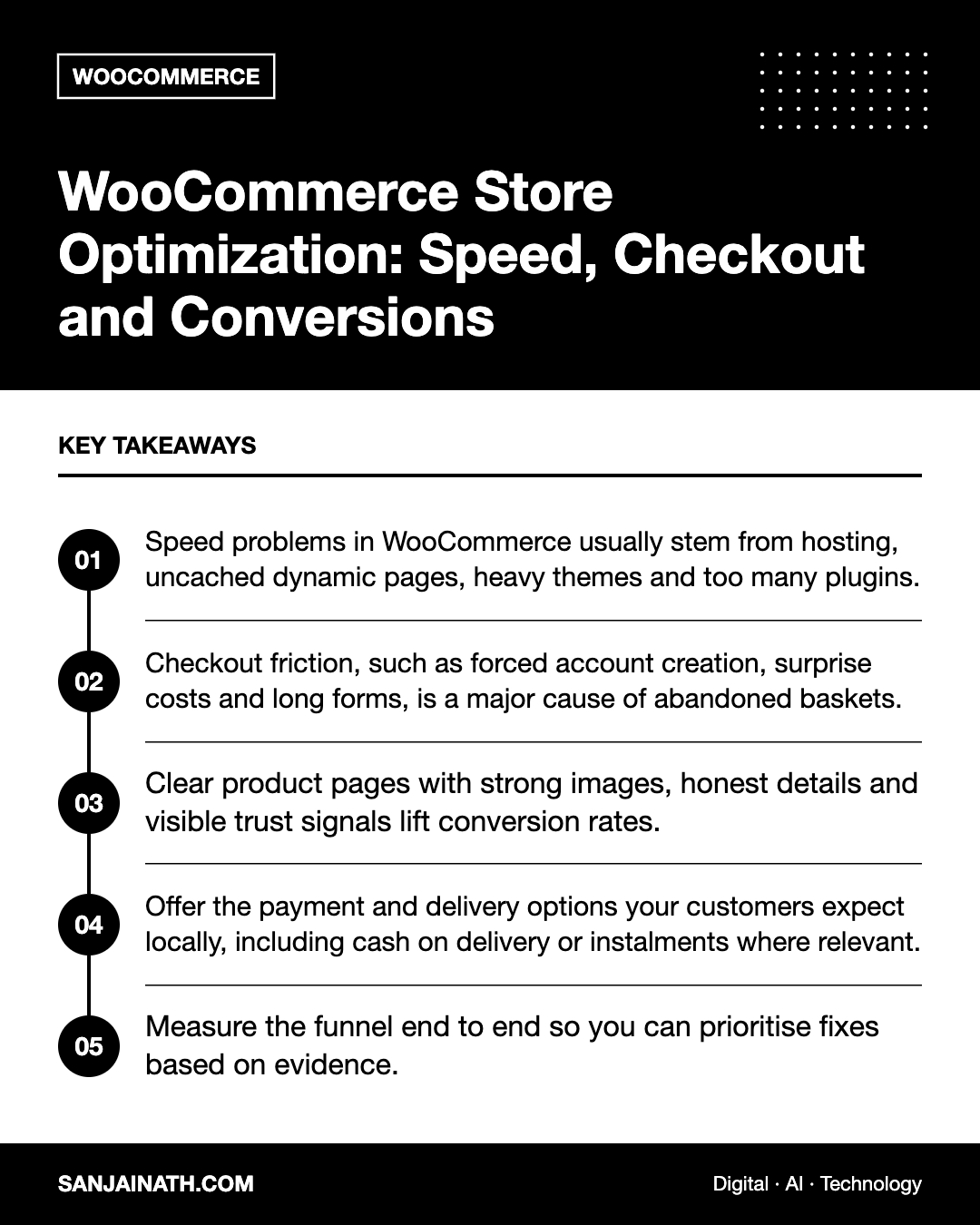
- Speed problems in WooCommerce usually stem from hosting, uncached dynamic pages, heavy themes and too many plugins.
- Checkout friction, such as forced account creation, surprise costs and long forms, is a major cause of abandoned baskets.
- Clear product pages with strong images, honest details and visible trust signals lift conversion rates.
- Offer the payment and delivery options your customers expect locally, including cash on delivery or instalments where relevant.
- Measure the funnel end to end so you can prioritise fixes based on evidence.
Why WooCommerce optimization matters
Every extra second of load time and every unnecessary step in checkout gives shoppers another reason to leave. Unlike a brochure site, an online store has many dynamic elements, such as baskets, stock levels, prices and user sessions, which make performance and usability more complex. Small improvements across the journey compound: faster category pages, clearer product pages and a smoother checkout together can make a meaningful difference to revenue without increasing traffic.
Part 1: Speed up your WooCommerce store
Start with hosting built for e-commerce
WooCommerce is more demanding than a standard WordPress site. Choose hosting with sufficient CPU and memory, current PHP versions, object caching such as Redis, and support staff familiar with WooCommerce. If your customers are mainly in the UAE or GCC, servers or a CDN with nearby locations can improve response times.
Cache correctly
Page caching is essential, but basket, checkout and account pages must be excluded because they are personal to each shopper. Most WooCommerce-aware caching solutions handle this automatically. Object caching speeds up database-heavy operations, which is especially valuable for larger catalogues.
Optimise images and media
- Upload product images at consistent dimensions and compress them.
- Serve modern formats such as WebP where possible.
- Lazy-load images below the fold, but not the main product image.
- Regenerate thumbnails after changing theme image sizes to avoid serving oversized files.
Trim plugins and scripts
Audit plugins regularly and remove anything unused. Watch for plugins that load scripts on every page even when they are only needed on one, and review third-party marketing tags, chat widgets and review tools for their performance impact.
Keep the database healthy
Over time, WooCommerce stores accumulate expired sessions, transients, old revisions and logs. Clean these periodically, and use WooCommerce’s modern order storage options where your extensions support them, as they are designed to improve performance at scale.
Part 2: Optimise the checkout
Checkout is where interest turns into revenue, and where many stores quietly leak sales. Review it as if you were a first-time customer on a mobile phone.
Checkout optimization checklist
- Allow guest checkout. Offer account creation after purchase rather than forcing it beforehand.
- Reduce form fields. Remove anything you do not genuinely need, such as company name for consumer orders.
- Show total costs early. Display delivery fees, taxes and estimated delivery times before the final step to avoid unpleasant surprises.
- Offer relevant payment methods. Cards and digital wallets are expected; in the GCC, cash on delivery and buy now, pay later options remain important for many shoppers.
- Enable address autocomplete where available, and make sure address fields suit local formats, including areas and landmarks where postcodes are not widely used.
- Display trust signals, such as secure payment badges, clear return policies and customer service contacts.
- Make it mobile-friendly, with large tap targets, correct keyboard types for phone and email fields and minimal scrolling.
- Test the block-based checkout. WooCommerce’s modern cart and checkout blocks offer a streamlined experience, but confirm your payment and shipping extensions are compatible first.
Recover abandoned baskets
Some shoppers will always leave before paying. Automated reminder emails or messages, sent with appropriate consent, can bring a proportion of them back. Keep reminders helpful rather than pushy, and address common hesitations such as delivery times or returns.
Part 3: Improve conversions across the store
Product pages that sell
- High-quality images from several angles, plus video where helpful.
- Clear, benefit-led descriptions supported by specifications, sizing guides or compatibility notes.
- Visible price, stock status and delivery estimate near the add-to-basket button.
- Genuine customer reviews and answers to frequent questions.
- Bilingual content where your audience expects Arabic as well as English.
Navigation and search
Shoppers should find products within a few clicks. Use logical categories, useful filters such as size, colour and price, and a search function that handles misspellings and synonyms. Review on-site search terms to discover products customers expect but cannot find.
Increase average order value
Thoughtful cross-sells, bundles and free delivery thresholds can raise order values. Keep recommendations relevant; unrelated upsells distract rather than help.
Measuring what matters
| Stage | Metric to watch | What a problem suggests |
|---|---|---|
| Landing and category pages | Load time, bounce and engagement | Speed issues or mismatched traffic |
| Product pages | Add-to-basket rate | Weak content, pricing or trust signals |
| Basket | Checkout start rate | Unexpected costs or distracting elements |
| Checkout | Checkout completion rate | Form friction, payment issues or errors |
Set up e-commerce tracking in your analytics platform to follow shoppers through each step. Pair the numbers with qualitative insight from session recordings, customer feedback and your own mobile testing.
Prioritising your WooCommerce optimization work
With so many possible improvements, it helps to prioritise. Start with anything that is broken or blocking purchases, such as failed payments, checkout errors or pages that load very slowly on mobile. Next, tackle high-impact, low-effort fixes like enabling guest checkout, compressing images and removing unused plugins. Then move on to larger projects, such as changing hosting, rebuilding product templates or migrating to the block-based checkout. Test significant changes on a staging site first, schedule them outside your busiest trading periods and keep a simple log so you can link each change to its effect on performance and sales.
Frequently asked questions
What is WooCommerce optimization?
WooCommerce optimization is the process of improving a WooCommerce store’s speed, usability and conversion rate, covering hosting, caching, images, plugins, product pages, navigation and checkout.
Why is my WooCommerce store slow?
Common causes include underpowered hosting, missing object caching, heavy themes, too many plugins, large images and a bloated database. Measuring page performance and reviewing server response times will usually reveal the main culprit.
Should I use a one-page checkout?
A shorter checkout often helps, but the number of steps matters less than clarity and effort. Test changes and measure completion rates rather than assuming one format is always best.
How often should I review store performance?
Check key metrics monthly and after any major update, new plugin or design change. Run a thorough review of speed and checkout at least a few times a year, and before peak seasons such as White Friday or Ramadan.
Final thoughts
Effective WooCommerce optimization is not a single project but an ongoing discipline. Build on solid hosting and caching, remove friction from checkout, make product pages persuasive and measure every stage of the funnel. Prioritise the fixes the data points to, test carefully, and your store will convert more of the visitors you already work hard to attract.