

Not every business problem needs a development team and a six-month roadmap. No-code platforms and their low-code cousins let marketers, operations staff and founders build websites, internal tools, workflows and even simple apps using visual editors instead of writing code. This guide explains what you can realistically build, where the limits lie and how to choose and govern these tools so they help rather than create a mess.
Key takeaways
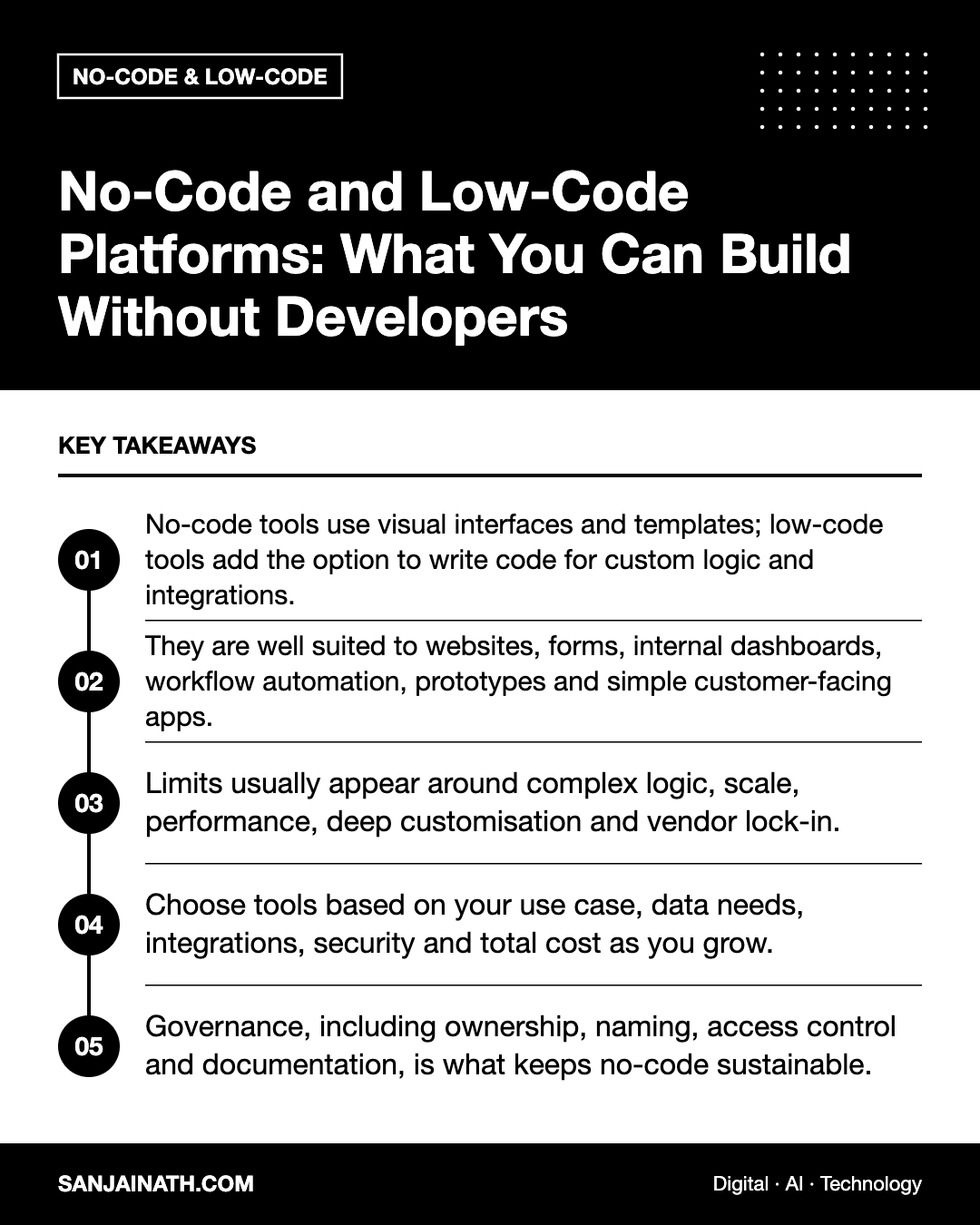
- No-code tools use visual interfaces and templates; low-code tools add the option to write code for custom logic and integrations.
- They are well suited to websites, forms, internal dashboards, workflow automation, prototypes and simple customer-facing apps.
- Limits usually appear around complex logic, scale, performance, deep customisation and vendor lock-in.
- Choose tools based on your use case, data needs, integrations, security and total cost as you grow.
- Governance, including ownership, naming, access control and documentation, is what keeps no-code sustainable.
No-code vs low-code: what is the difference?
The two terms are often used together, but they target slightly different users.
| Aspect | No-code | Low-code |
|---|---|---|
| Primary users | Business users, marketers, founders | Developers and technically confident analysts |
| How you build | Drag-and-drop editors, templates, visual rules | Visual building plus scripting, custom components and APIs |
| Flexibility | Constrained to what the platform offers | Higher, as code can fill the gaps |
| Speed to first version | Very fast | Fast |
| Typical uses | Websites, forms, simple apps, automations | Internal enterprise apps, integrations, process tools |
Many products sit somewhere in between, offering a no-code experience by default with code options for advanced users.
What you can build with no-code platforms
Websites and landing pages
Visual website builders let you design responsive pages, publish blogs, run simple online shops and launch campaign landing pages without a developer. Marketing teams gain the ability to test new pages in hours rather than weeks.
Forms, surveys and data collection
Form builders handle lead capture, event registrations, feedback and applications, with conditional logic, file uploads and automatic routing of responses to email, spreadsheets or a CRM.
Databases and internal tools
Spreadsheet-style databases let teams build structured records, such as content calendars, inventory lists, supplier directories or project trackers, with views, filters and permissions. Internal tool builders can then add interfaces, such as approval screens or dashboards, on top of that data.
Workflow automation
Automation platforms connect apps using triggers and actions. For example, when a form is submitted, create a CRM contact, notify the sales channel in your team chat and add a task. These tools remove large amounts of copy-and-paste work.
Mobile and web apps
App builders can produce customer portals, booking apps, directories and simple marketplaces, often connected to an existing database. They are also excellent for prototypes that validate an idea before investing in custom development.
AI-assisted tools
Many no-code platforms now include AI features to generate layouts, summarise data, draft content or build automations from a plain-language description. Treat these as accelerators, and review what they produce.
Where no-code reaches its limits
No-code is powerful, but it is not a universal replacement for software engineering. Watch for these warning signs:
- Complex business logic that requires many nested conditions, calculations or exceptions becomes hard to maintain visually.
- Scale and performance may suffer with large data volumes, heavy traffic or real-time requirements.
- Customisation limits appear when you need a specific user experience the platform does not support.
- Vendor lock-in can make it difficult to export your application logic, even if you can export data.
- Cost at scale can climb, because pricing is often based on users, records, tasks or runs.
- Compliance requirements, such as data residency or audit trails, may not be met by every tool.
A common and healthy pattern is to prove the concept in no-code, then rebuild selected parts in custom code once the need, the users and the logic are well understood.
How to choose the right platform
- Start with the problem. Write down who will use the tool, what they need to do and what data is involved.
- Check integrations. Confirm that the platform connects to your CRM, email, payments and other key systems, natively or through an API.
- Review security and compliance. Look for single sign-on, role-based permissions, audit logs, encryption and information about where data is hosted. This matters for regulated sectors and for organisations in the GCC with residency obligations.
- Model the cost as you grow. Estimate pricing at ten times your current users or volume, not just today’s needs.
- Test export options. Make sure you can export your data in a usable format.
- Assess the ecosystem. Templates, documentation, community forums and available consultants reduce your learning curve.
- Build a pilot. Create a small but real version before committing the whole team.
Governance: keeping no-code under control
The ease of no-code is also its risk. Without some structure, organisations end up with dozens of unmanaged automations, duplicated data and tools that nobody understands once their creator leaves. A light governance framework helps.
- Ownership: every app and automation has a named owner and a backup.
- Inventory: keep a simple register of tools, what they do and what data they touch.
- Access control: use company accounts, not personal ones, and review permissions regularly.
- Naming and documentation: give workflows clear names and add short notes explaining their purpose.
- Data rules: define which data may be stored in which tools, particularly personal or financial information.
- Review points: involve IT when a tool becomes business-critical, handles sensitive data or needs to scale.
A practical starter project
If you are new to no-code, a lead-handling workflow is a good first project. Build a web form that captures an enquiry, store responses in a database, automatically create or update the contact in your CRM, send an internal notification and trigger a friendly confirmation email. Add a simple dashboard showing enquiries by source. You will learn forms, data, automation and reporting in one useful system.
Frequently asked questions
Are no-code platforms secure?
Reputable platforms invest in security, but configuration matters. Use strong access controls, company accounts and appropriate permissions, and check each vendor’s security documentation.
Will no-code replace developers?
No. It frees developers from simple requests and lets business teams move faster, while complex, high-scale and highly custom systems still need engineering expertise.
Can I move a no-code app to custom code later?
You can usually export data, but application logic rarely transfers directly. Plan for a rebuild, using the no-code version as a detailed specification.
How do I convince IT to support no-code tools?
Propose a governance framework, choose platforms with strong security features and involve IT early in reviewing integrations and data handling.
Final thoughts
No-code platforms put real building power in the hands of business teams, from landing pages to internal tools and automated workflows. Use them to move quickly, validate ideas and eliminate repetitive work, while respecting their limits and putting sensible governance in place. The best results come when business users and technical teams work together on what to build, and how.