

HubSpot, Salesforce and Zoho are three of the most widely shortlisted CRM platforms, and each can serve businesses from start-ups to large enterprises. Yet they are built on different philosophies, which is why a best CRM comparison has to start with your processes rather than with feature lists. This guide explains how the three differ and gives you a structured way to decide.
Key takeaways
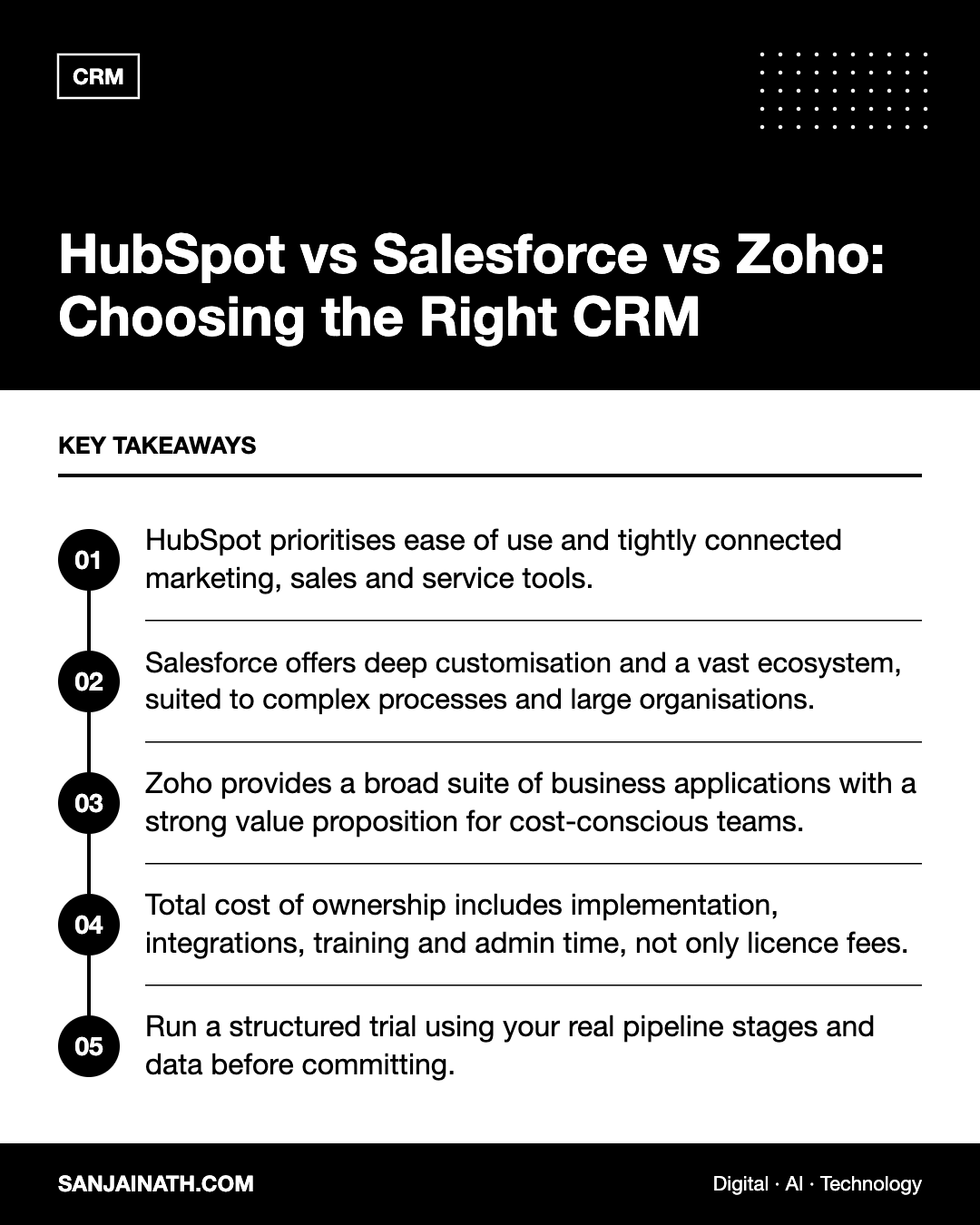
- HubSpot prioritises ease of use and tightly connected marketing, sales and service tools.
- Salesforce offers deep customisation and a vast ecosystem, suited to complex processes and large organisations.
- Zoho provides a broad suite of business applications with a strong value proposition for cost-conscious teams.
- Total cost of ownership includes implementation, integrations, training and admin time, not only licence fees.
- Run a structured trial using your real pipeline stages and data before committing.
Start with requirements, not vendors
Many CRM projects disappoint because teams choose a platform first and then try to force their processes into it. Before you open any demo, document:
- Your sales process: lead sources, qualification criteria, pipeline stages and handovers.
- Who will use it: sales, marketing, customer service, leadership, partners or brokers.
- Must-have integrations: email and calendar, website forms, WhatsApp or telephony, accounting, ERP and marketing platforms.
- Reporting needs: the dashboards leadership needs every week.
- Compliance and data residency: particularly relevant for organisations in regulated sectors or those subject to data protection laws in the UAE, Saudi Arabia or Europe.
- Internal capability: whether you have, or will hire, a dedicated CRM administrator.
HubSpot: usability and an all-in-one growth platform
HubSpot began as an inbound marketing tool and grew into a platform of connected “hubs” for marketing, sales, service, content, operations and commerce, all sharing one contact database.
Strengths
- A clean, intuitive interface that tends to encourage adoption by sales teams.
- Marketing automation, email, landing pages and CRM data in one place, which simplifies attribution.
- A free CRM tier that lets small teams start without a large upfront commitment.
- A large app marketplace and extensive learning resources.
Limitations
- Costs can rise significantly as you move to higher tiers or add contacts and seats.
- Very complex data models and bespoke processes may be harder to accommodate than in Salesforce.
Best suited to: small and mid-sized businesses, marketing-led organisations and teams that value speed of adoption.
Salesforce: power, customisation and ecosystem
Salesforce is often the default choice for large enterprises. Its Sales Cloud and Service Cloud sit on a platform that can be customised extensively with custom objects, automation flows and code, and its AppExchange marketplace offers a wide range of extensions.
Strengths
- Handles complex organisations: multiple business units, territories, currencies and approval processes.
- Highly configurable data model and automation tools.
- A large partner network for implementation and support worldwide, including in the Middle East.
- Industry-specific solutions for sectors such as financial services and real estate.
Limitations
- Implementation usually requires experienced administrators or partners.
- Licence and add-on costs can be substantial, and feature sets vary between editions.
- Without strong governance, heavy customisation can make the system hard to maintain.
Best suited to: mid-market and enterprise organisations with complex processes and the resources to manage a platform.
Zoho CRM: breadth and value
Zoho CRM is part of a wider suite of business applications covering areas such as finance, HR, help desk, projects and analytics. Zoho One bundles many of these under a single subscription.
Strengths
- Competitive pricing, which makes it attractive for SMEs and growing businesses.
- Solid customisation, workflow automation and a built-in low-code platform.
- Native integration across Zoho’s suite, reducing the need for third-party tools.
- Established presence in the Middle East, with regional partners and data centre options worth checking for your requirements.
Limitations
- The interface and breadth of options can feel less polished or more complex than HubSpot.
- Third-party ecosystem is smaller than Salesforce’s.
Best suited to: cost-conscious SMEs and businesses that want many applications from one vendor.
Best CRM comparison at a glance
| Factor | HubSpot | Salesforce | Zoho CRM |
|---|---|---|---|
| Ease of use | Very strong | Moderate; depends on configuration | Good, with a learning curve |
| Customisation | Good | Extensive | Strong for the price |
| Marketing tools | Native and deep | Separate marketing products | Available across the Zoho suite |
| Ecosystem | Large marketplace | Very large marketplace and partner network | Mainly Zoho’s own apps |
| Typical fit | SMB to mid-market | Mid-market to enterprise | Small business to mid-market |
| Admin effort | Lower | Higher | Moderate |
Understanding total cost of ownership
Licence prices change frequently and vary by edition, so compare current quotes directly. More importantly, look at the full cost over three years:
- Licences: per-seat fees, contact tiers and paid add-ons.
- Implementation: partner fees, data migration and configuration.
- Integrations: middleware, connectors and custom development.
- People: admin time, training and ongoing optimisation.
- Change costs: the effort of switching later if the platform no longer fits.
A cheaper licence can become expensive if it requires workarounds, and a premium platform can be wasted if nobody configures it well.
How to run a fair evaluation
- Shortlist two platforms based on your requirements.
- Ask each vendor or partner to demo your real scenarios, not their standard script.
- Set up a trial with your actual pipeline stages, sample data and one key integration.
- Have three or four real users complete daily tasks and score the experience.
- Check reporting: can you build your leadership dashboard without specialist help?
- Review contract terms, data export options and support levels.
Implementation tips for a successful rollout
Whichever platform wins your evaluation, the first ninety days determine whether it becomes the system your team relies on or an expensive address book. A few habits make a real difference:
- Clean data before migrating. Remove duplicates, standardise fields such as country and industry, and archive contacts you no longer have a lawful reason to keep.
- Launch with a minimum viable setup. Configure the core pipeline, essential fields and one or two key automations first, then add complexity based on user feedback.
- Appoint an owner. Someone must be accountable for data quality, user permissions and change requests, even if it is a part-time role in a smaller business.
- Train by role. Sales, marketing and service teams use the CRM differently, so tailor short sessions to each group’s daily tasks.
- Make leadership use it. When pipeline reviews and forecasts are run directly from the CRM dashboards, adoption follows quickly.
- Review quarterly. Retire unused fields, check automation still reflects your process and gather feedback from frontline users.
Frequently asked questions
Which CRM is best for a small business?
HubSpot and Zoho are both popular with small businesses. HubSpot tends to win on ease of use and marketing integration, while Zoho often wins on price and breadth of applications.
Is Salesforce too complex for SMEs?
Not necessarily. Salesforce offers editions aimed at smaller businesses, but you should plan for configuration effort and ideally access to an experienced administrator or partner.
Can I migrate from one CRM to another later?
Yes, all three support data import and export, but migrations take planning — especially for custom fields, activity history and automation. Choosing carefully up front saves significant effort.
What matters most in a best CRM comparison?
User adoption. The most capable system delivers little if your team does not use it consistently, so weigh usability and fit heavily.
Final thoughts
There is no universal winner in a best CRM comparison between HubSpot, Salesforce and Zoho. Choose HubSpot for usability and integrated marketing, Salesforce for complexity and scale, and Zoho for value and breadth. Whatever you choose, invest in clean data, clear processes and training — they determine success far more than the logo on the login screen.