

Marketing teams often accumulate software faster than they can use it: a tool for every campaign, overlapping features and subscriptions nobody remembers approving. A lean MarTech stack does the opposite. It gives you the capabilities you genuinely need, connected cleanly around good data, at a cost and complexity your team can manage. This guide sets out a step-by-step approach to building or slimming down your stack.
Key takeaways
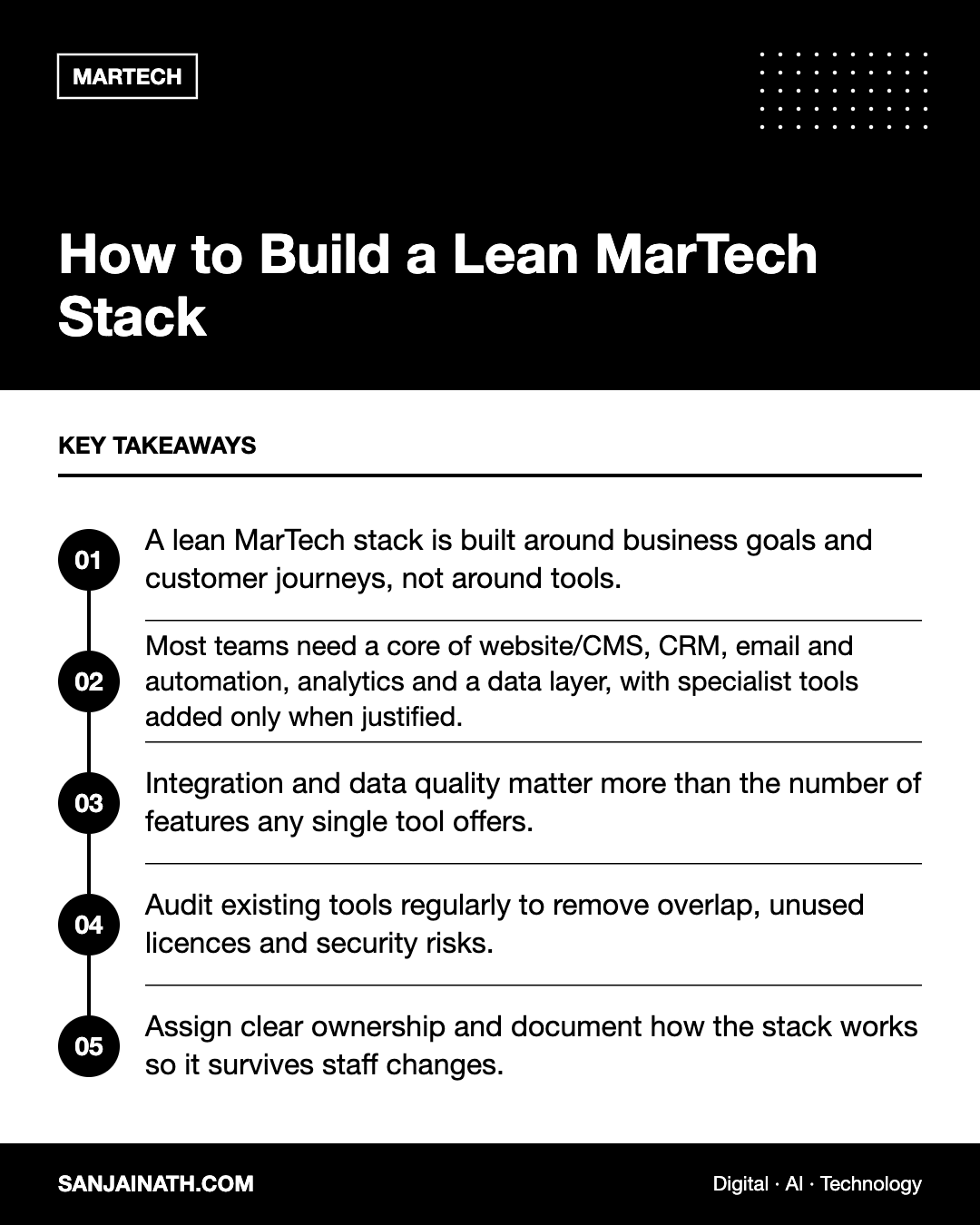
- A lean MarTech stack is built around business goals and customer journeys, not around tools.
- Most teams need a core of website/CMS, CRM, email and automation, analytics and a data layer, with specialist tools added only when justified.
- Integration and data quality matter more than the number of features any single tool offers.
- Audit existing tools regularly to remove overlap, unused licences and security risks.
- Assign clear ownership and document how the stack works so it survives staff changes.
What is a MarTech stack?
A MarTech stack is the collection of software a marketing team uses to plan, execute, manage and measure its work. It typically spans content, communication, data, advertising, analytics and collaboration tools. The word “stack” reflects the fact that these tools layer on top of each other and share data.
A lean stack is not simply a small one. It is a stack in which every tool has a clear purpose, is actually used, connects to the rest and delivers value that justifies its cost.
Why lean beats bloated
- Lower cost: fewer overlapping subscriptions and less spend on unused seats.
- Better data: fewer systems means fewer conflicting versions of customer records.
- Faster execution: teams spend less time switching tools and fixing broken integrations.
- Easier training: new starters become productive more quickly.
- Stronger security and compliance: fewer places where personal data is stored and fewer vendors to assess.
Step 1: Start with goals and journeys
Before looking at any software, write down what marketing must achieve over the next year or two, such as generating qualified leads, increasing repeat purchases or entering a new market. Then map the customer journey from awareness to purchase and retention, and note what marketing needs to do at each stage.
For each stage, ask:
- What actions do we need to take, such as publish content, capture leads or send onboarding emails?
- What data do we need to collect and use?
- What do we need to measure?
The answers become your capability requirements. Tools are then chosen to meet those requirements, not the other way around.
Step 2: Define the core layers of a lean MarTech stack
Most organisations can cover the majority of their needs with a handful of core layers.
| Layer | Purpose | Lean tip |
|---|---|---|
| Website and CMS | Publish content, landing pages and forms | Choose a CMS your team can edit without developer help |
| CRM | Single record of contacts, companies, deals and interactions | Make it the system of record for customer data |
| Email and marketing automation | Newsletters, nurture sequences, lead scoring, segmentation | Consider suites that bundle CRM and automation if you are small |
| Analytics and tag management | Measure behaviour, conversions and campaign performance | Define a tracking plan before adding tags |
| Advertising platforms | Paid search, social and display campaigns | Connect conversions back from the CRM where possible |
| Social media management | Scheduling, publishing, monitoring and reporting | One tool for all channels is usually enough |
| Collaboration and project management | Planning, approvals and asset management | Use what the wider company already uses |
Specialist tools, such as a customer data platform, conversational chat, SEO research, experimentation or digital asset management, should be added only when a clear, documented need exists.
Step 3: Audit what you already have
Most teams are not starting from zero. A structured audit reveals quick savings and risks.
- List every tool, including free and trial accounts, with owner, cost, renewal date and number of seats.
- Record what each tool does and which capability layer it belongs to.
- Measure usage: how many people log in, and which features they actually use.
- Identify overlap, such as two tools that both send email or schedule social posts.
- Map integrations and data flows between tools.
- Check security and compliance: single sign-on, data location and vendor terms.
Classify each tool as keep, consolidate, replace or retire. Pay attention to renewal dates, because the best time to consolidate is before an automatic renewal.
Step 4: Choose tools with integration in mind
When evaluating new or replacement tools, integration capability is often more important than an extra feature.
Evaluation checklist
- Does it integrate natively with your CRM and CMS, or offer a well-documented API?
- Can it sync data in both directions where needed?
- Does it support single sign-on and role-based permissions?
- Where is data stored, and does that meet your compliance requirements? This is particularly relevant for GCC organisations with data residency obligations.
- Is pricing predictable as your contacts, users or usage grow?
- Can you export your data easily if you leave?
- Is support available in your time zone and language?
Suites vs best-of-breed
All-in-one suites reduce integration work and are often the leanest choice for small and mid-sized teams. Best-of-breed tools offer deeper functionality but require more integration effort. A common compromise is a suite for the core, with a few specialist tools where they add clear value.
Step 5: Get the data foundations right
Even a small stack fails if data is messy. Put these basics in place:
- Agree a single system of record for customer data, usually the CRM.
- Standardise field names, picklists and lifecycle stages across tools.
- Use consistent UTM parameters for campaign tracking.
- Capture and store consent properly, in line with applicable privacy laws.
- Schedule regular data hygiene, such as de-duplication and removal of invalid records.
Step 6: Govern and review the stack
- Owners: give every tool a named business owner and an administrator.
- Documentation: maintain a simple stack diagram and a register of tools, integrations and data flows.
- Purchasing rules: require a short business case for any new tool, including how it integrates.
- Onboarding and offboarding: grant and remove access promptly.
- Review cadence: audit the stack at least annually and before major renewals.
Frequently asked questions
How many tools should a MarTech stack have?
There is no ideal number. A small business may run effectively on a handful of tools, while an enterprise needs more. The test is whether each tool has a clear purpose, is used and integrates properly.
Do I need a customer data platform?
Not always. Many teams can unify data adequately in their CRM. A CDP becomes valuable when you have many data sources, high volumes and advanced personalisation needs.
Who should own the MarTech stack?
Marketing should own business requirements and day-to-day use, often through a marketing operations role, while IT supports security, integration and compliance.
How often should we review our stack?
Review formally at least once a year and before major renewals, with lighter checks whenever the team’s goals or structure change.
Final thoughts
A lean MarTech stack is a strategic asset: it keeps costs under control, data clean and teams focused on marketing rather than on managing software. Start from goals and journeys, build a strong core, audit ruthlessly, prioritise integration and govern the stack as it evolves. Fewer, better-connected tools will almost always outperform a sprawling collection of disconnected ones.