
Choosing between AI image generation tools is no longer a question of which one “works” — most of the leading options produce impressive results. The real question is which tool fits your workflow, your brand standards and your appetite for legal and commercial risk. This guide compares Midjourney, Adobe Firefly, Flux and other popular options so you can make a practical decision.
Key takeaways
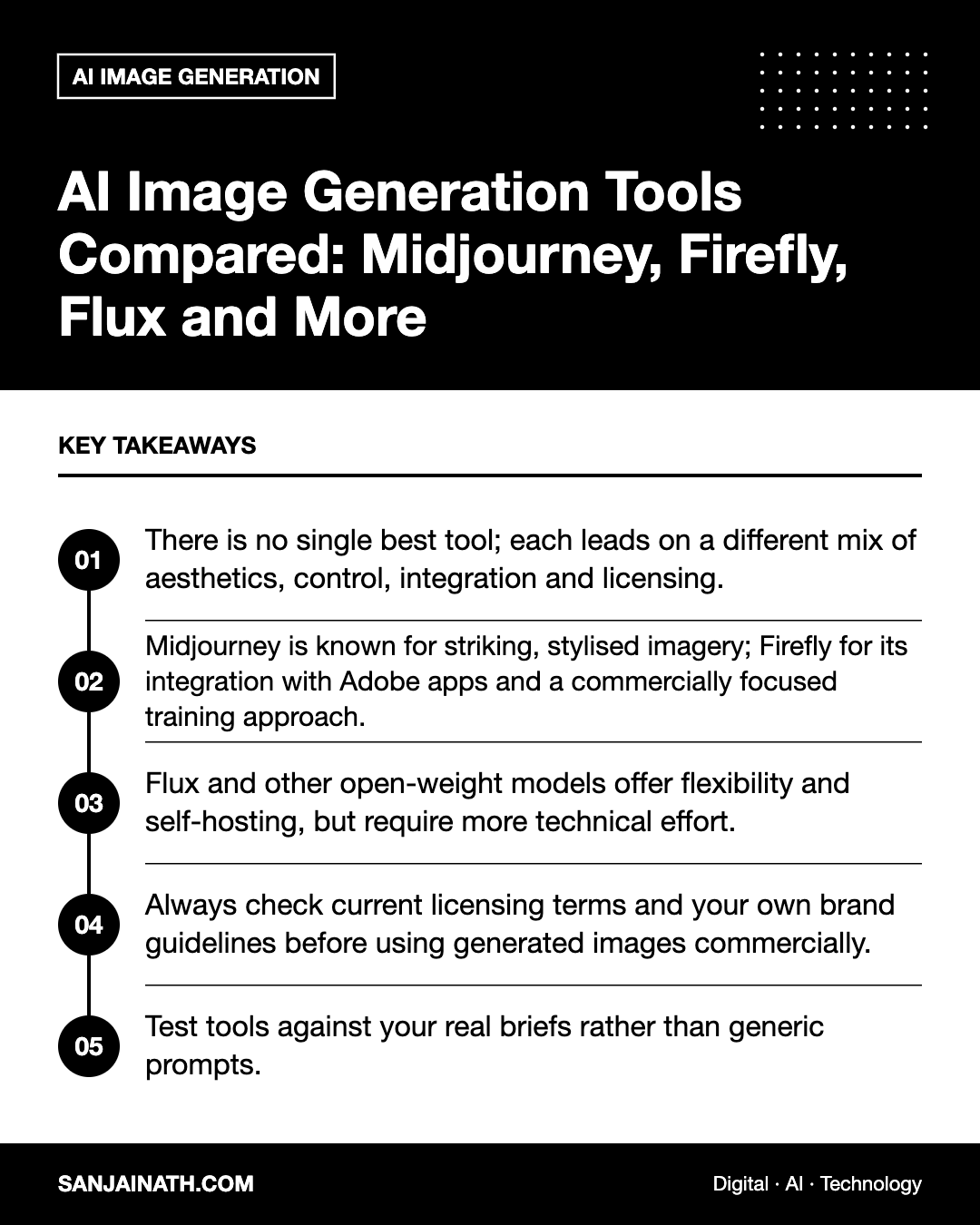
- There is no single best tool; each leads on a different mix of aesthetics, control, integration and licensing.
- Midjourney is known for striking, stylised imagery; Firefly for its integration with Adobe apps and a commercially focused training approach.
- Flux and other open-weight models offer flexibility and self-hosting, but require more technical effort.
- Always check current licensing terms and your own brand guidelines before using generated images commercially.
- Test tools against your real briefs rather than generic prompts.
How to evaluate AI image generation tools
Before comparing names, agree what “good” means for your team. A social media manager producing daily visuals has different needs from a creative agency building campaign key art or a product team generating interface illustrations. Assess each tool against these criteria:
- Image quality and style range: can it produce photorealism, illustration and graphic styles convincingly?
- Prompt adherence: does it follow detailed instructions about composition, objects and colours?
- Text rendering: can it place legible words in an image, which matters for posters and ads?
- Control and editing: does it support inpainting, outpainting, reference images, style references or consistent characters?
- Workflow integration: does it plug into the design tools your team already uses?
- Licensing and indemnity: what rights do you receive, and does the vendor offer any commercial protections?
- Privacy and data handling: are your prompts and uploads used for training, and can images be kept private?
Midjourney: aesthetic strength and a creative community
Midjourney built its reputation on images with a distinctive, polished look. Many designers use it for mood boards, concept exploration and editorial-style visuals where atmosphere matters more than pixel-perfect accuracy.
Where it shines
- Rich lighting, texture and composition with relatively short prompts.
- Style and character reference features that help keep a consistent look across a series.
- A large community whose public galleries are a useful source of prompting ideas.
Things to consider
Midjourney is subscription-based and, depending on your plan, images may be visible to others by default. Its strong house style can be an advantage or a drawback: if you need a neutral, brand-specific look, you may spend time steering it away from its default aesthetic. Review the current terms for commercial use, particularly if your organisation exceeds any revenue thresholds the vendor sets.
Adobe Firefly: built for commercial design workflows
Firefly is Adobe’s family of generative models, available as a standalone web app and embedded in tools such as Photoshop, Illustrator and Adobe Express. Adobe positions Firefly as designed to be commercially safe, having trained it on licensed and public-domain content, and offers certain protections to some enterprise customers. Check the current details for your plan.
Where it shines
- Generative fill and expand inside Photoshop, which is ideal for editing existing photography rather than creating from scratch.
- Vector and template-friendly generation for teams living in the Adobe ecosystem.
- Content credentials that help label AI-generated or AI-edited assets.
Things to consider
Firefly outputs can feel more conservative than some competitors when you want bold, experimental art. Usage is typically governed by generative credits, so heavy users should understand how their plan allocates them.
Flux and open-weight models: flexibility and control
Flux, from Black Forest Labs, has become a popular choice among developers and technical creatives. It is available in several variants, some through hosted APIs and some with open weights you can run yourself, each under its own licence. It is known for strong prompt adherence and comparatively good text rendering.
Alongside Flux, the Stable Diffusion family remains widely used thanks to its large ecosystem of fine-tuned models, extensions and interfaces such as ComfyUI.
Why teams choose open-weight models
- Customisation: you can fine-tune on your own product photos or brand style using techniques such as LoRA training.
- Privacy: self-hosting keeps prompts and reference images inside your infrastructure, which may suit regulated sectors.
- Automation: API and node-based workflows make it easier to generate variations at scale.
Things to consider
Running models locally requires capable GPUs or cloud compute, plus someone to maintain the setup. Licence terms differ between model versions, so confirm commercial rights for the exact variant you deploy.
Other AI image generation tools worth knowing
- OpenAI’s image generation in ChatGPT: convenient for conversational editing and iterating through natural language, with good instruction following.
- Google’s Imagen models: accessible through Google’s consumer apps and its cloud platform, useful for teams already on Google Cloud.
- Ideogram: recognised for handling typography within images, handy for posters and social graphics.
- Canva’s AI features: lightweight generation inside a tool non-designers already use, good for quick social content.
- Leonardo and similar platforms: bundle multiple models with game-asset and design-focused features.
Side-by-side comparison
| Tool | Best for | Main strength | Main trade-off |
|---|---|---|---|
| Midjourney | Concept art, mood boards, editorial visuals | Distinctive aesthetic quality | Less neutral; limited deep integration |
| Adobe Firefly | Editing and brand design in Adobe apps | Workflow integration and commercial focus | Can feel conservative stylistically |
| Flux | Developers and technical creatives | Prompt adherence, flexible deployment | Technical setup; licence varies by variant |
| Stable Diffusion ecosystem | Custom, fine-tuned pipelines | Huge community and extensions | Quality depends heavily on setup |
| ChatGPT image generation | Fast, conversational iteration | Natural-language editing | Less granular control |
A practical selection process for your team
- Collect five real briefs from recent projects — for example, a product hero shot, a social post with text, and a lifestyle image featuring your target audience.
- Run the same briefs through two or three shortlisted tools, spending a fixed amount of time on each.
- Score the outputs on brand fit, accuracy, editing effort and time to an acceptable result.
- Review legal and procurement requirements, including licensing, data residency and whether uploads are used for training.
- Write usage guidelines covering disclosure, prohibited uses (such as realistic images of real people without consent) and human review before publishing.
For teams in the UAE and wider GCC, it is also worth checking that generated imagery respects local cultural norms and advertising regulations. Models trained largely on Western imagery may default to settings, clothing or architecture that do not reflect your audience, so include regional context explicitly in your prompts and review outputs carefully.
Frequently asked questions
Which AI image generation tool is best for beginners?
Tools embedded in software you already use — such as Firefly in Adobe Express, Canva’s AI features or image generation in ChatGPT — have the gentlest learning curve because you describe what you want in plain language.
Can I use AI-generated images commercially?
Often yes, but it depends on each tool’s terms, your subscription tier and your jurisdiction. Copyright protection for purely AI-generated work is also unsettled in many countries, so read current terms and seek legal advice for high-value uses.
How do I keep a consistent brand style across images?
Use style reference features, saved prompt templates and fixed colour and composition instructions. For maximum consistency, fine-tune an open-weight model on approved brand imagery.
Should I disclose that an image was AI-generated?
Transparency is good practice, and some platforms and regulators increasingly expect it. Content credentials and clear captions help maintain audience trust.
Final thoughts
The best AI image generation tools are the ones your team will actually use well. Pick based on real briefs, not viral examples, and pair whichever tool you choose with clear guidelines and human review. Many teams end up using two: one for creative exploration and one for controlled, production-ready editing.