

Your theme decides far more than how a website looks. Choosing a WordPress theme affects page speed, accessibility, SEO, how easily your team can edit content and how painful future redesigns will be. This guide walks through a practical, repeatable way to choose a WordPress theme for a business website — and the mistakes that cost teams months of rework.
Key takeaways
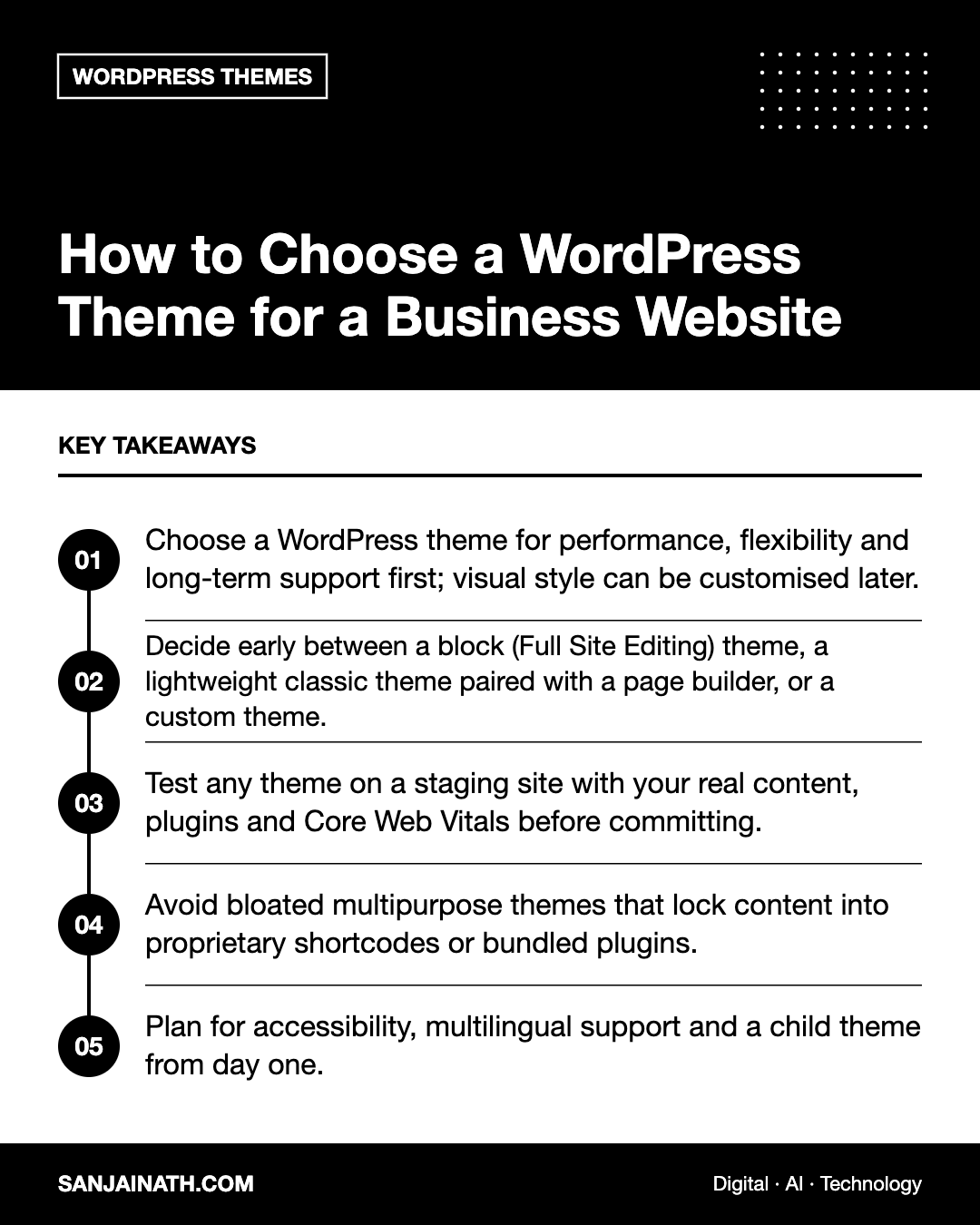
- Choose a WordPress theme for performance, flexibility and long-term support first; visual style can be customised later.
- Decide early between a block (Full Site Editing) theme, a lightweight classic theme paired with a page builder, or a custom theme.
- Test any theme on a staging site with your real content, plugins and Core Web Vitals before committing.
- Avoid bloated multipurpose themes that lock content into proprietary shortcodes or bundled plugins.
- Plan for accessibility, multilingual support and a child theme from day one.
Why choosing a WordPress theme matters more than it seems
A theme is the presentation layer of your site: templates, styles, layouts and often a surprising amount of functionality. Because it touches every page, a poor choice multiplies problems. A heavy theme slows every template; a theme that stores layouts in its own shortcodes makes switching expensive; and an abandoned theme becomes a security and compatibility risk every time WordPress, PHP or your plugins update.
The good news is that the evaluation is not difficult if you follow a structured process instead of choosing from a demo that looks attractive.
Understand the three main types of WordPress themes
1. Block themes (Full Site Editing)
Block themes are built for the WordPress Site Editor. Headers, footers, templates and global styles are all edited with blocks, and design settings live in a theme.json file. They tend to be lightweight and future-proof because they follow the direction of WordPress core. They suit teams that want native editing without depending on a third-party builder.
2. Lightweight classic themes with a page builder
Many business sites pair a lean, fast theme with a builder such as Elementor or a block-based toolkit. This gives marketers drag-and-drop control and a large library of widgets. The trade-off is added complexity and potential performance cost, so the theme itself should be as minimal as possible and the builder should be configured carefully.
3. Custom themes
A custom theme, built by a developer for your brand, offers the most control and the cleanest code. It makes sense for larger organisations with specific design systems, complex content models or strict performance and security requirements. It costs more upfront and needs a partner or in-house team to maintain it.
A checklist for choosing a WordPress theme
- Performance: test the demo and a fresh install with tools such as PageSpeed Insights. Look at Largest Contentful Paint, Interaction to Next Paint and Cumulative Layout Shift, not just an overall score.
- Code quality: check how many CSS and JavaScript files load on a simple page. Fewer, smaller assets are a good sign.
- Update history and support: look for regular updates, a public changelog, compatibility with recent WordPress and PHP versions, and responsive support.
- Editor compatibility: confirm it works well with the block editor and, if you use one, your chosen page builder.
- Accessibility: keyboard navigation, visible focus states, sufficient contrast and semantic HTML. Themes tagged “accessibility-ready” in the WordPress directory have passed an extra review.
- SEO foundations: clean heading structure, fast mobile rendering and compatibility with SEO plugins like Yoast or Rank Math.
- Translation and RTL support: essential for Arabic and multilingual sites in the UAE and wider GCC.
- WooCommerce support: if you sell online now or might later, check that product, cart and checkout templates are well designed.
- Licensing and cost: understand renewal fees and what happens if the licence lapses.
Red flags to avoid
- Bundled “required” plugins that you cannot remove without breaking the site.
- Proprietary shortcodes for layouts and content, which leave a mess if you ever switch themes.
- Dozens of demos and sliders packed into one download — often a sign of heavy code loaded on every page.
- No recent updates or unresolved support threads about compatibility.
- Nulled or pirated premium themes, which are a common source of malware. Always buy from the developer or an official marketplace.
How to test a theme before you commit
Never switch themes on a live business site without testing. A simple process:
- Create a staging copy of your site — most managed hosts, including Hostinger, offer one-click staging.
- Install the theme and a child theme so custom code survives updates.
- Rebuild three representative pages with real content: the home page, a service or product page, and a blog post.
- Activate your usual plugins (SEO, forms, caching, security, multilingual) and check for conflicts.
- Measure Core Web Vitals on mobile and compare with your current theme.
- Ask the people who edit the site weekly to try the editing experience. If they struggle, adoption will suffer.
Switching themes safely on an existing site
If you are replacing an existing theme, plan the migration carefully:
- Take a full backup of files and database.
- List everything the old theme controlled: menus, widgets, custom post types, shortcodes, header and footer scripts, and tracking codes.
- Move any functionality that belongs in a plugin (such as custom post types or analytics tags) out of the theme so it is not lost.
- Check redirects, permalinks and structured data after the switch, then monitor Google Search Console for errors.
- Clear all caches — plugin, server and CDN — before final checks.
Matching the theme to your business goals
Different sites need different priorities. A lead-generation site should prioritise speed, clear calls to action and landing page flexibility. A content-led site needs excellent typography, readable post templates and strong archive layouts. An ecommerce store needs a conversion-focused product page and checkout. A personal brand or portfolio, like a consultant’s site, benefits from bold visual identity with restrained, fast code. Start from the goal and pick the theme that makes it easiest to achieve.
Frequently asked questions
Are free WordPress themes good enough for a business website?
Often, yes. Several well-maintained free themes are fast and flexible, especially block themes. Paid versions usually add extra layouts, settings and priority support rather than fundamentally better code.
Should I use a block theme or Elementor?
Choose a block theme if you want a lean site aligned with WordPress core and your team is comfortable with the Site Editor. Choose a lightweight theme with Elementor if marketers need extensive visual control and you already rely on its widgets.
Does my WordPress theme affect SEO?
Indirectly but significantly. Themes influence page speed, mobile usability, heading structure and how cleanly content is rendered — all of which affect how search engines and AI answer engines understand and rank your pages.
How often should I change my theme?
Only when there is a clear business reason, such as a rebrand, poor performance or lack of support. A well-chosen theme can serve a site for many years with updates and design refreshes.
Final thoughts
Choosing a WordPress theme is a strategic decision, not a cosmetic one. Prioritise performance, maintainability and editing experience, test with real content on staging, and avoid themes that lock you in. Get this foundation right and every future page, campaign and redesign becomes faster and cheaper.