

Video is one of the most effective formats in marketing, but it has traditionally been one of the most expensive and time-consuming to produce. AI video generation is changing that, allowing teams to create clips from text prompts, animate still images, produce presenter-led explainers and localise content into new languages. This guide explains the main tool categories, practical workflows and the use cases where AI video genuinely adds value.
Key takeaways
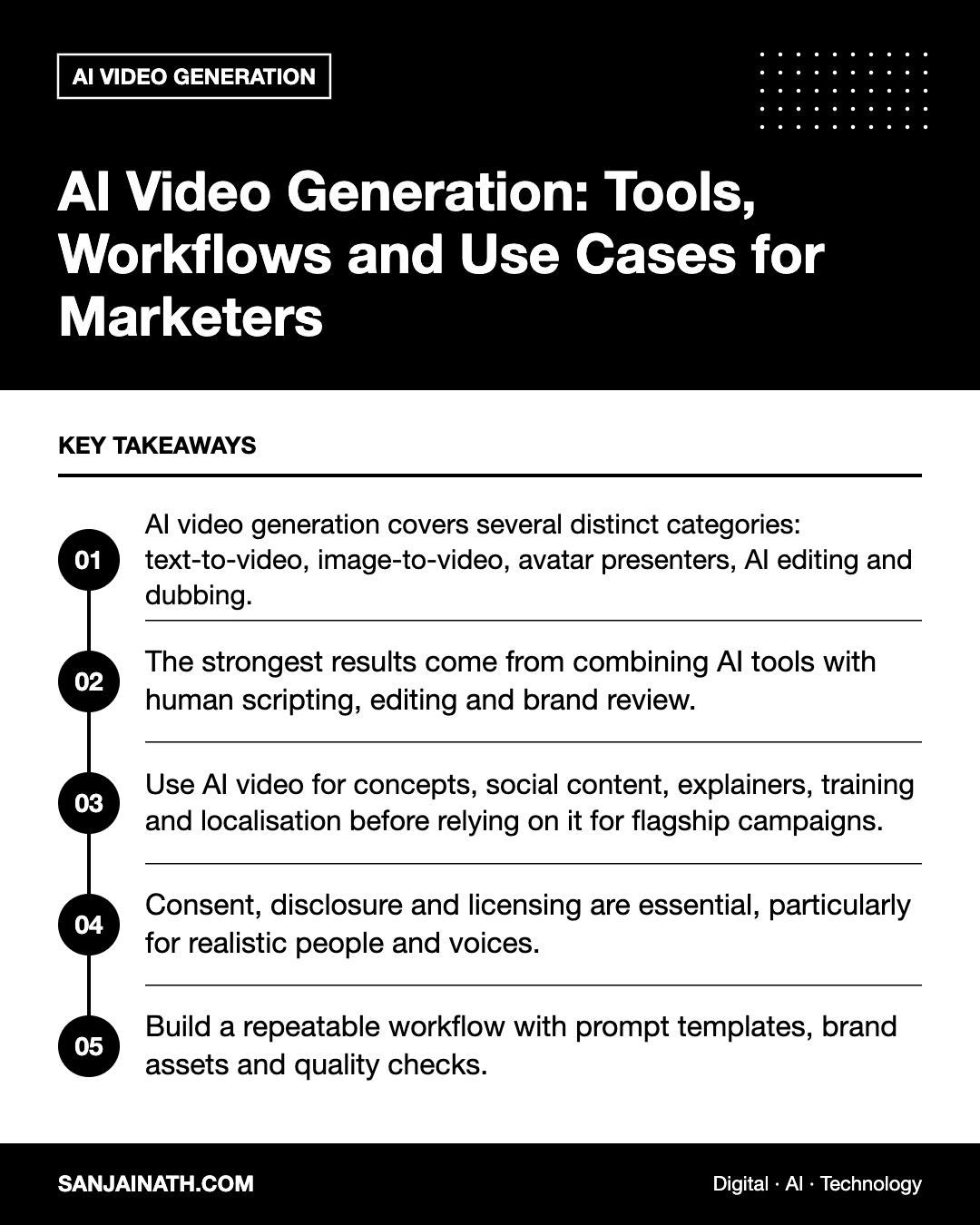
- AI video generation covers several distinct categories: text-to-video, image-to-video, avatar presenters, AI editing and dubbing.
- The strongest results come from combining AI tools with human scripting, editing and brand review.
- Use AI video for concepts, social content, explainers, training and localisation before relying on it for flagship campaigns.
- Consent, disclosure and licensing are essential, particularly for realistic people and voices.
- Build a repeatable workflow with prompt templates, brand assets and quality checks.
The main categories of AI video tools
“AI video” is not a single capability. Understanding the categories helps you choose the right tool for each job. Specific products evolve quickly, so evaluate current versions rather than relying on older reviews.
Text-to-video and image-to-video generators
These models generate short clips from a written prompt or animate an existing image. Well-known examples include Google’s Veo models, OpenAI’s Sora, Runway, Luma, Kling and Pika. They are well suited to atmospheric shots, product concept visuals, abstract backgrounds and storyboarding. Clip lengths are typically short, so longer pieces are assembled from multiple generations.
Avatar and presenter tools
Platforms such as Synthesia and HeyGen generate videos of digital presenters speaking a script, often in many languages. They are popular for training, internal communications, onboarding and product explainers where a consistent presenter matters more than cinematic visuals.
AI-assisted editing
Tools such as Descript, CapCut and features within Adobe Premiere Pro use AI to transcribe, edit by text, remove filler words, generate captions, reframe for vertical formats and extend or clean up footage.
Voice, dubbing and localisation
AI voice and dubbing tools can generate voiceovers and translate existing videos into other languages, sometimes with lip-sync. For businesses serving multilingual audiences — such as Arabic and English speakers in the GCC — this can dramatically reduce localisation effort, though native-speaker review remains essential.
Where AI video generation adds real value
| Use case | Suitable tool type | Why it works |
|---|---|---|
| Social media clips and B-roll | Text-to-video, image-to-video | High volume, short format, visual variety |
| Product explainers | Avatars, AI editing | Fast updates when products change |
| Training and onboarding | Avatars, voice | Consistent delivery, easy translation |
| Campaign concepts and storyboards | Text-to-video | Visualise ideas before full production |
| Localisation | Dubbing and captions | Reach new language markets quickly |
| Repurposing long content | AI editing | Turn webinars into short clips |
AI video is less suitable where precise product accuracy, real testimonials or documentary authenticity matter. A generated video of a product that does not exactly match the real thing risks misleading customers, and fabricated “customer” testimonials are both unethical and potentially unlawful.
A practical AI video generation workflow
- Define the objective and audience. Is this for awareness on social, education on your website or internal training? The purpose determines format, length and tone.
- Write the script first. Strong videos start with strong writing. Outline the hook, key message and call to action, and time the script to the target length.
- Create a shot list. Break the script into scenes and decide which will be AI-generated, which will use real footage or screen recordings, and which will use motion graphics.
- Prepare brand inputs. Gather logos, colour palettes, fonts, product images and approved reference imagery to guide generation and editing.
- Generate and iterate. Produce multiple variations of each shot, refining prompts for subject, action, camera movement, lighting and style.
- Assemble and edit. Bring clips into an editor, add voiceover, music, captions and branded graphics, and cut for pacing.
- Review rigorously. Check for visual artefacts, inaccurate details, distorted text, cultural appropriateness and brand consistency.
- Adapt for each platform. Export vertical, square and horizontal versions, and tailor openings for each channel.
Writing better video prompts
Effective prompts describe the scene as a director would. Include:
- Subject: who or what is in the shot.
- Action: what happens, in a single clear movement.
- Setting: location, time of day and atmosphere.
- Camera: framing and movement, such as a slow push-in or aerial drone shot.
- Style: photorealistic, cinematic, animated or illustrative, plus lighting and colour mood.
For example: “Aerial drone shot slowly gliding over a modern waterfront residential community at golden hour, warm light reflecting on the water, cinematic and photorealistic.” Keep a library of prompts that worked so the team can reuse them.
Quality, ethics and legal considerations
Consent and likeness
Never create videos that imitate real people’s faces or voices without explicit permission. If you create a custom avatar or voice clone of an employee or spokesperson, secure written consent that covers how and for how long it will be used.
Disclosure
Many platforms require or encourage labelling of realistic synthetic content, and some regulators are moving in the same direction. Transparent labelling protects trust, especially for realistic scenes.
Licensing and commercial rights
Review each tool’s terms for commercial use, ownership of outputs and indemnity. Copyright status of AI-generated material also varies by jurisdiction, so seek legal advice for high-value campaigns.
Brand and cultural review
Generated scenes may default to settings, clothing or behaviour that do not reflect your audience. For GCC markets in particular, review content carefully for cultural appropriateness and compliance with local advertising standards.
Measuring the impact of AI video
Judge AI video by the same standards as any other content:
- Production efficiency: time and cost per finished video compared with previous methods.
- Engagement: view-through rate, average watch time and shares.
- Outcomes: clicks, leads, sign-ups or training completion rates.
- Quality perception: audience comments and internal stakeholder feedback.
Run side-by-side tests where possible, such as an AI-assisted social ad versus a traditionally produced one, to understand where AI performs well for your audience.
Building an AI video capability in your team
- Start with one or two low-risk use cases, such as social B-roll or internal training.
- Nominate a small group to experiment, document learnings and create guidelines.
- Create a brand prompt guide and a review checklist.
- Train editors and marketers on both the tools and the ethical rules.
- Review tools periodically, as capabilities change quickly.
Frequently asked questions
Can AI video generation replace a production team?
Not entirely. It can reduce effort for certain content, but scripting, creative direction, editing and quality control still require skilled people.
What is the best AI video generation tool?
It depends on the use case. Text-to-video models suit creative clips, avatar platforms suit training and explainers, and AI editors suit repurposing existing footage. Trial tools against your own briefs.
Are AI-generated videos allowed on social media platforms?
Generally yes, but platforms may require labelling of realistic synthetic content. Check each platform’s current policies.
How long can AI-generated clips be?
Many generators produce short clips, which editors combine into longer videos. Limits vary by tool and plan.
Final thoughts
AI video generation is most powerful as part of a thoughtful production workflow rather than a replacement for one. Start with clear objectives, write strong scripts, choose the right category of tool, and review every output for accuracy, ethics and brand fit. Teams that build these habits now will produce more video, faster, without compromising trust.