

YouTube is both a video platform and one of the world’s largest search engines, and your videos compete for attention in search results, suggested videos and the home feed. YouTube SEO is the practice of making your videos easy to discover and, just as importantly, worth watching once people click. This guide covers research, optimisation and the audience signals that help a channel grow steadily.
Key takeaways
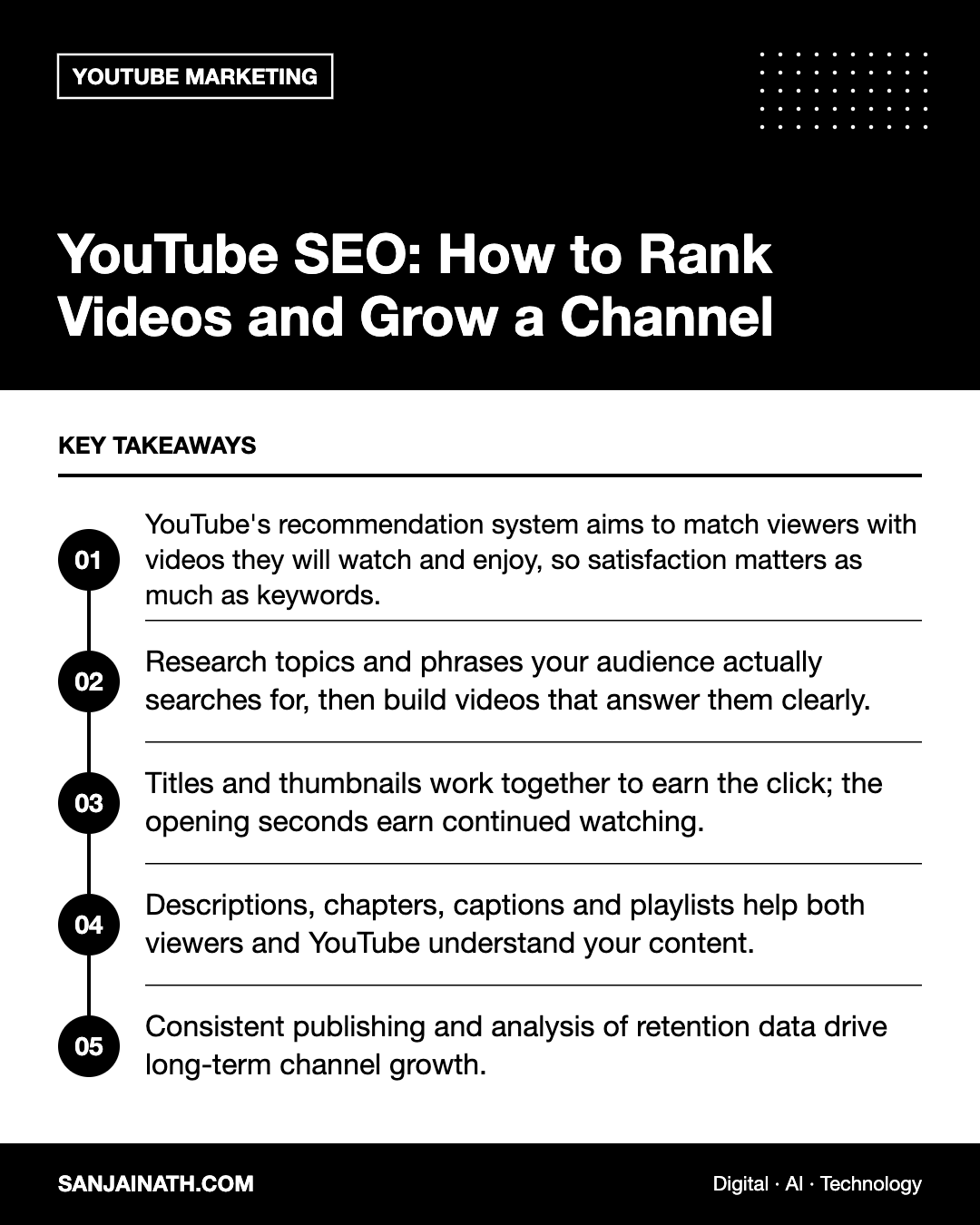
- YouTube’s recommendation system aims to match viewers with videos they will watch and enjoy, so satisfaction matters as much as keywords.
- Research topics and phrases your audience actually searches for, then build videos that answer them clearly.
- Titles and thumbnails work together to earn the click; the opening seconds earn continued watching.
- Descriptions, chapters, captions and playlists help both viewers and YouTube understand your content.
- Consistent publishing and analysis of retention data drive long-term channel growth.
How YouTube decides what to show
YouTube has said publicly that its systems aim to show each viewer the videos they are most likely to watch and be satisfied with. Discovery happens across several surfaces:
- Search: where relevance to the query — titles, descriptions and the content itself — plays a strong role alongside engagement.
- Home feed: personalised to each viewer based on their history and preferences.
- Suggested videos: shown alongside or after other videos, often related by topic or viewing patterns.
- Shorts feed: a separate vertical, swipe-based experience.
Signals commonly discussed by YouTube include click-through behaviour, watch time, how long viewers stay, likes and dislikes, survey responses and whether viewers come back. The lesson is simple: YouTube SEO is not about tricking an algorithm. It is about packaging genuinely useful or entertaining videos so the right viewers find them.
Step 1: Research topics and keywords
Start with what your audience wants to learn, solve or watch.
- Use YouTube’s search suggestions: type a seed phrase and note the autocomplete suggestions — they reflect real searches.
- Study the results: which videos rank, how long they are, what angle they take and what is missing.
- Check YouTube Analytics: the research features in YouTube Studio can show what your viewers and wider YouTube audiences search for.
- Mine comments: questions under your videos and competitors’ videos are ready-made topic ideas.
- Use Google data: tools such as Google Trends help identify seasonal interest and regional differences.
Choosing the right angle
Match the format to the intent behind a search. “How to” queries suit tutorials; “best” and “vs” queries suit reviews and comparisons; broad topics suit explainers. For regional audiences — for example in the UAE or Saudi Arabia — consider whether Arabic-language or bilingual videos would serve viewers better, and research phrases in each language separately.
Step 2: Craft titles and thumbnails that earn clicks
Titles
- Include your main keyword naturally, ideally near the beginning.
- Make the benefit or curiosity clear: what will the viewer get?
- Keep titles concise so they are not cut off on mobile.
- Avoid misleading clickbait; if the video does not deliver, viewers leave quickly and that hurts performance.
Thumbnails
- Use a single clear focal point, such as an expressive face or the finished result.
- Keep text to a few large words that complement, rather than repeat, the title.
- Ensure strong contrast and legibility at small sizes.
- Maintain a recognisable style so returning viewers spot your videos.
- Use YouTube’s thumbnail testing features where available to compare options.
Step 3: Optimise descriptions, chapters and metadata
Metadata helps YouTube understand context and helps viewers decide whether to watch.
- Description: summarise the video in the first couple of lines, including your main keyword, as this text appears in search results. Follow with more detail, useful resources and related videos.
- Chapters: add timestamps to break the video into sections. Chapters improve navigation and can appear as key moments in Google search.
- Captions: upload accurate captions or correct auto-generated ones. They improve accessibility and give YouTube a precise transcript.
- Tags: YouTube indicates tags play a limited role, mainly for commonly misspelled terms, so do not spend much time on them.
- Language and location settings: set the video language correctly and consider translated titles and descriptions for multilingual audiences.
Step 4: Structure videos for retention
Retention — how much of your video people watch — is one of the clearest indicators of quality. Plan for it before you record.
- Hook quickly: in the first seconds, confirm the viewer is in the right place and preview the payoff.
- Skip long intros: animated logos and lengthy greetings encourage early exits.
- Keep momentum: tight editing, pattern changes such as B-roll or on-screen graphics, and clear signposting.
- Deliver on the promise: answer the question the title poses.
- End with a next step: point to a related video or playlist rather than simply saying goodbye.
Review the audience retention graph in YouTube Studio for every video. Sharp drops show exactly where viewers lost interest; spikes show moments worth repeating in future content.
Step 5: Build a channel that compounds
Consistency and focus
Channels with a clear topic focus make it easier for YouTube to find the right audience. Publish on a realistic, consistent schedule, and build series around themes your viewers respond to.
Playlists and end screens
Group related videos into playlists with keyword-rich titles, and use end screens and cards to guide viewers to the next relevant video. Longer viewing sessions across your channel are a positive sign.
Shorts, long-form and live
Shorts can introduce new viewers to your channel, while long-form videos build depth and loyalty. Live streams create real-time engagement. Test how each format serves your goals rather than chasing every one.
Community engagement
Reply to comments, pin helpful ones and use community posts to ask questions. Engaged viewers tend to return and share your content.
Measuring YouTube SEO performance
| Metric | What it tells you | How to act |
|---|---|---|
| Impressions click-through rate | How compelling your title and thumbnail are | Test new thumbnails or titles on low-CTR videos |
| Average view duration and retention | Whether the content holds attention | Tighten intros and fix drop-off points |
| Traffic sources | Where viewers find you | Double down on search or suggested strategies |
| Returning and new viewers | Audience loyalty and growth | Build series and improve calls to subscribe |
| Subscribers gained per video | Which topics build your channel | Create more content on high-conversion topics |
Frequently asked questions
How long does YouTube SEO take to work?
It varies. Some videos gain traction quickly; others grow slowly as search demand accumulates. Judge strategy over several months and many videos, not a single upload.
Do video tags still matter?
Only a little. YouTube has indicated that titles, thumbnails and descriptions are more important, with tags mainly useful for common misspellings.
What is the ideal video length?
There is no ideal length. Make the video as long as it needs to be to deliver its promise without padding.
Should I update old videos?
Yes. Improving titles, thumbnails, descriptions and chapters on older videos with steady impressions can revive their performance.
Final thoughts
Effective YouTube SEO combines smart research with genuinely satisfying videos. Find the questions your audience asks, package your answers with clear titles and thumbnails, structure each video for retention and learn from your analytics. Repeat the process consistently and your channel’s reach will build on itself over time.