

Modern marketing and business teams rely on dozens of connected tools, and the connections usually come down to two technologies: APIs and webhooks. Understanding the REST API vs webhook distinction helps you brief developers clearly, choose the right integration tools and troubleshoot when data stops flowing. This guide explains both in plain language, with practical examples and no coding required.
Key takeaways
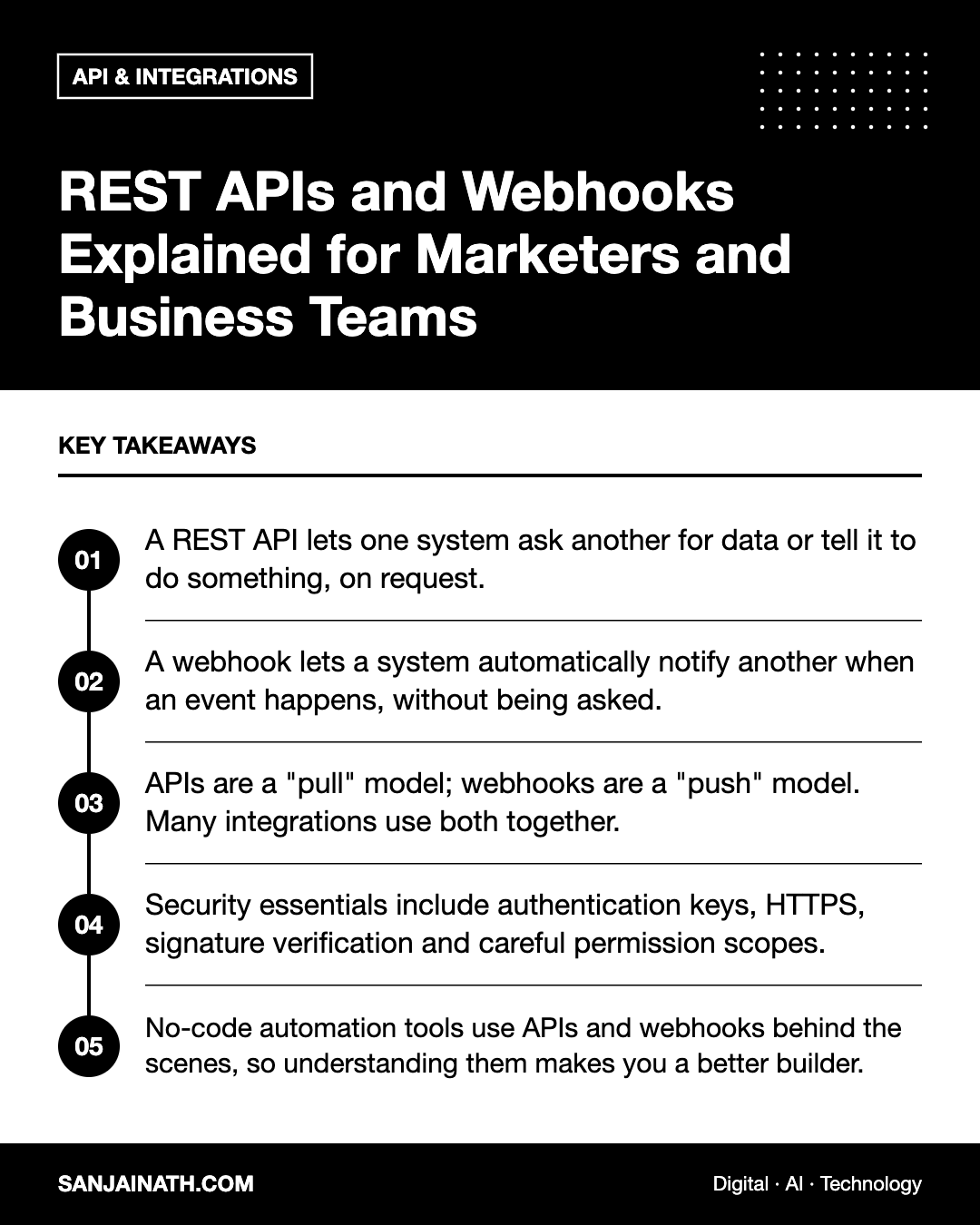
- A REST API lets one system ask another for data or tell it to do something, on request.
- A webhook lets a system automatically notify another when an event happens, without being asked.
- APIs are a “pull” model; webhooks are a “push” model. Many integrations use both together.
- Security essentials include authentication keys, HTTPS, signature verification and careful permission scopes.
- No-code automation tools use APIs and webhooks behind the scenes, so understanding them makes you a better builder.
What is an API?
An application programming interface, or API, is a set of rules that allows one piece of software to talk to another. Think of it as a restaurant menu and a waiter: the menu lists what you can order, you place an order through the waiter, and the kitchen returns what you asked for. You never need to know how the kitchen works.
What makes an API “REST”?
REST, short for Representational State Transfer, is a widely used style for building web APIs. REST APIs organise data into resources, such as contacts, orders or products, each with its own web address called an endpoint. You interact with those resources using standard HTTP methods:
| Method | What it does | Marketing example |
|---|---|---|
| GET | Retrieves data | Fetch a list of contacts added this week |
| POST | Creates something new | Add a new lead to the CRM |
| PUT / PATCH | Updates existing data | Change a contact’s lifecycle stage |
| DELETE | Removes data | Remove a test record |
Responses usually come back in JSON, a lightweight text format of names and values that both humans and machines can read. Each response also includes a status code, such as 200 for success, 401 for an authentication problem or 404 when a resource is not found.
What is a webhook?
A webhook is an automated message sent from one system to another when a specific event occurs. Instead of repeatedly asking “has anything changed?”, the receiving system provides a URL, and the sending system posts data to that URL the moment something happens.
A useful analogy is the difference between checking your letterbox every hour and receiving a text message when a parcel arrives. Webhooks are the text message.
Common webhook events include:
- A payment succeeds or fails.
- A form is submitted.
- A new order is placed in an online store.
- A subscriber unsubscribes from an email list.
- A meeting is booked in a scheduling tool.
REST API vs webhook: the key differences
| Aspect | REST API | Webhook |
|---|---|---|
| Direction | Pull: you request data when you need it | Push: data is sent to you when an event happens |
| Timing | On demand or on a schedule | Near real time |
| Who initiates | The system that needs the data | The system where the event happens |
| Efficiency | Frequent polling can waste requests | Only sends data when something changes |
| Capabilities | Read, create, update and delete many resources | Notifies about specific events only |
| Reliability concerns | Rate limits and timeouts | Missed deliveries if the receiver is down |
The two are complementary. A typical pattern is for a webhook to announce that an order was placed, after which your system calls the REST API to fetch the full order details or update another record.
Real-world examples for marketing and business teams
Lead capture to CRM
A website form triggers a webhook on submission. An automation receives the data and uses the CRM’s REST API to create or update the contact, assign an owner and add the lead source.
E-commerce and email marketing
When an order is placed, the store sends a webhook. Your email platform adds the customer to a post-purchase sequence, and a nightly API call syncs product and revenue data for segmentation.
Reporting dashboards
Dashboards typically use APIs to pull data from ad platforms, analytics tools and CRMs on a schedule, because reporting needs historical and aggregated data rather than instant alerts.
Payments and finance
Payment providers send webhooks for successful charges, refunds and failed renewals. These trigger receipts, access changes and alerts to the finance team.
Security basics you should know
Integrations move valuable data, so security must be built in from the start.
- Authentication: APIs usually require an API key or an OAuth token. Treat these like passwords: store them in a secrets manager or your automation tool’s secure connection settings, never in spreadsheets or chat messages.
- Least privilege: grant only the permissions an integration needs, such as read-only access for reporting.
- HTTPS everywhere: endpoints and webhook URLs should always use encrypted connections.
- Webhook signatures: many providers sign webhook payloads with a secret so the receiver can confirm the message is genuine. Verify these signatures.
- Personal data: only transfer the fields you need and respect the data protection laws that apply to your customers.
- Key rotation: replace keys periodically and immediately when staff with access leave.
Reliability and troubleshooting
When an integration fails, knowing how APIs and webhooks behave speeds up diagnosis.
- Check logs first. Most platforms show webhook delivery attempts and API errors with status codes.
- Look at the status code. Authentication errors usually mean an expired or revoked key; rate-limit errors mean too many requests in a short time.
- Confirm the webhook URL. Changed or deleted automation scenarios often leave providers posting to dead addresses.
- Plan for retries. Good webhook senders retry failed deliveries; receivers should handle duplicates safely, a property developers call idempotency.
- Monitor volumes. A sudden drop in daily records created is often the first sign that something has broken.
How to brief a developer or integration partner
Clear briefs save time and money. Include:
- The systems involved and who owns each account.
- The trigger event and the desired outcome.
- Which fields must move, with example values.
- How quickly data must arrive: instantly, hourly or daily.
- What should happen if something fails, and who should be alerted.
- Any compliance or data residency constraints.
Frequently asked questions
Can I use webhooks without a developer?
Yes. Automation platforms provide webhook URLs you can paste into other tools, then map incoming data to actions using visual editors.
Which is better, an API or a webhook?
Neither is better in general. Use webhooks for instant reactions to events and APIs for retrieving, creating or updating data on demand. Most robust integrations combine both.
What is polling?
Polling means repeatedly calling an API to check for changes. It works when webhooks are not available but uses more requests and introduces delays.
What happens if my webhook receiver is offline?
Many providers retry for a period, but some events may be lost. Use reliable receivers, monitor failures and run periodic API syncs as a safety net.
Final thoughts
The REST API vs webhook question is really about pull versus push. APIs let you ask for or change data when you choose; webhooks tell you instantly when something happens. Understand both, secure them properly and design integrations that combine them, and your marketing and business systems will stay connected, accurate and dependable.