

Your hosting plan affects how fast your site loads, how often it goes down and how much time you spend on maintenance. This WordPress hosting comparison explains the three most common options, shared hosting, virtual private servers and managed WordPress hosting, in practical terms. By the end you should know which type suits your site today and when it makes sense to move up.
Key takeaways
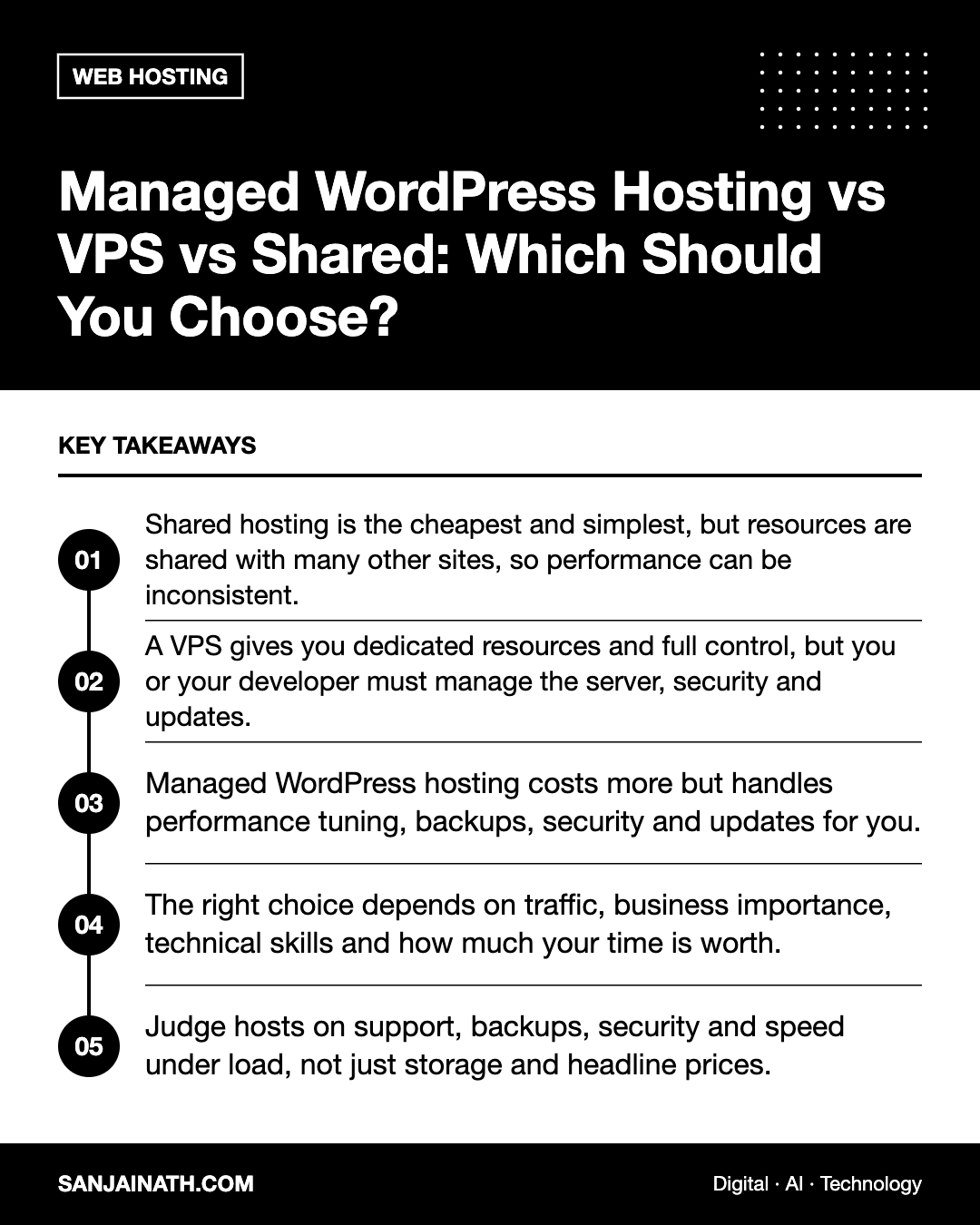
- Shared hosting is the cheapest and simplest, but resources are shared with many other sites, so performance can be inconsistent.
- A VPS gives you dedicated resources and full control, but you or your developer must manage the server, security and updates.
- Managed WordPress hosting costs more but handles performance tuning, backups, security and updates for you.
- The right choice depends on traffic, business importance, technical skills and how much your time is worth.
- Judge hosts on support, backups, security and speed under load, not just storage and headline prices.
The three types of WordPress hosting explained
Shared hosting
With shared hosting, your website lives on a server alongside many other websites. Everyone shares the same processor, memory and disk. The host manages the server, and you usually get a control panel such as cPanel with a one-click WordPress installer.
It is inexpensive and easy to start with, which makes it popular for personal blogs, small brochure sites and early-stage projects. The drawback is the so-called noisy neighbour problem: if another site on the server gets a traffic spike or is badly coded, your site can slow down too. Resource limits can also cause errors as your traffic grows.
VPS hosting
A virtual private server splits a physical machine into isolated virtual servers, each with guaranteed resources. You get root access and can install whatever software you like. Cloud VPS providers let you resize the server when you need more capacity.
A VPS offers excellent value and flexibility for those with technical skills. However, an unmanaged VPS means you are responsible for the operating system, web server, PHP versions, firewall, security patches, backups and monitoring. Some hosts offer managed VPS plans, or you can use a server management panel to simplify the work.
Managed WordPress hosting
Managed WordPress hosting is built and tuned specifically for WordPress. The provider typically handles server-level caching, automatic backups, malware scanning, core updates, staging environments and expert WordPress support. Many plans include a content delivery network and free SSL.
You pay a premium, and some hosts restrict certain plugins that conflict with their caching or security. In return, you spend far less time on maintenance and usually get more reliable performance.
WordPress hosting comparison table
| Factor | Shared | VPS | Managed WordPress |
|---|---|---|---|
| Relative cost | Lowest | Low to moderate | Moderate to high |
| Performance | Variable | Good and predictable if configured well | Good, optimised for WordPress |
| Technical skill needed | Minimal | High (unless managed) | Minimal |
| Control and flexibility | Limited | Full | Moderate, with some restrictions |
| Backups and security | Basic, varies by host | Your responsibility | Usually included and automated |
| Staging sites | Sometimes | DIY | Usually included |
| Best for | Small, low-traffic sites | Technical teams, custom stacks | Business-critical sites, busy teams |
How to choose: questions to ask yourself
How important is the site to your revenue?
If your site generates leads or sales every day, downtime and slow pages cost money. The extra spend on managed hosting or a well-run VPS is often easy to justify. A hobby blog can live happily on shared hosting.
How much traffic do you get, and how spiky is it?
Steady, modest traffic suits shared hosting. Campaign launches, seasonal peaks or media coverage can overwhelm cheap plans. Managed hosts and scalable VPS setups handle surges better.
Who will look after the server?
Be honest about skills and time. A VPS is only good value if someone keeps it patched and monitored. If your team is made up of marketers rather than system administrators, managed hosting removes a significant risk.
Do you run WooCommerce or membership features?
Dynamic sites with logged-in users, carts and checkouts cannot rely on page caching alone. They need more processing power and database performance, which pushes most serious online shops towards managed WordPress hosting or a properly sized VPS.
Where are your visitors?
Server location affects speed. If your audience is mainly in the UAE or wider GCC, choose a host with data centres in or near the region, or pair your hosting with a CDN that has nearby edge locations.
What to look for in any WordPress host
Whichever category you choose, check these essentials before signing up.
- Current PHP versions and the ability to switch versions easily.
- Automatic daily backups stored off the server, with simple one-click restores.
- Free SSL certificates with automatic renewal.
- Staging environments for testing updates before they go live.
- Server-level caching and support for object caching such as Redis.
- Responsive support that understands WordPress, available when your business needs it.
- Clear resource limits, including what happens if you exceed them.
- Transparent renewal pricing, since introductory discounts often end after the first term.
When to upgrade your hosting
Watch for signs that you have outgrown your current plan:
- Pages load slowly even after optimising images, caching and plugins.
- You see frequent errors such as “resource limit reached” or 503 responses.
- The admin dashboard becomes sluggish for editors.
- Your host suspends the site during traffic spikes.
- You spend more time firefighting server issues than improving the site.
Before moving, run a performance test, take a full backup and plan the migration for a quiet period. Many managed hosts offer free migration assistance, which reduces the risk of mistakes with databases, file paths and DNS.
Do not forget the costs beyond hosting
When comparing plans, include the time and tools each option requires. Shared and VPS setups may need paid backup, security or caching plugins that managed hosts include, and an unmanaged server needs regular hours from someone skilled. Adding these hidden costs often narrows the price gap between hosting types considerably.
Frequently asked questions
Is shared hosting good enough for a business website?
For a small, low-traffic brochure site it can be. Once the site becomes important for leads or sales, the reliability and support of better hosting usually pay for themselves.
Is a VPS faster than managed WordPress hosting?
It can be, if it is well configured and sized correctly. Managed hosts, however, handle that tuning for you, so for non-technical teams managed hosting often delivers better real-world performance.
Can I move from shared hosting to managed hosting later?
Yes. WordPress sites are portable, and migration plugins or host-provided migration services make moves straightforward. Test the new site on a temporary URL before changing DNS.
Does hosting affect SEO?
Indirectly, yes. Slow response times, downtime and poor Core Web Vitals can hurt user experience and search visibility, so reliable hosting supports your SEO efforts.
Final thoughts
There is no single best option in any WordPress hosting comparison, only the best fit for your situation. Start on shared hosting if your site is small and budgets are tight, choose a VPS if you have the skills and want control, and invest in managed WordPress hosting when the site is critical and your time is better spent elsewhere. Review the decision as your traffic and ambitions grow.