

Choosing a cloud provider is one of the longest-lasting technology decisions a business makes, yet the marketing around it is full of jargon. This plain-English guide to AWS vs Azure vs Google Cloud explains what each platform is known for, where they overlap and how to decide which fits your team, budget and existing tools. The goal is not to crown a winner, because each is a capable, mature platform, but to help you make a confident, well-reasoned choice.
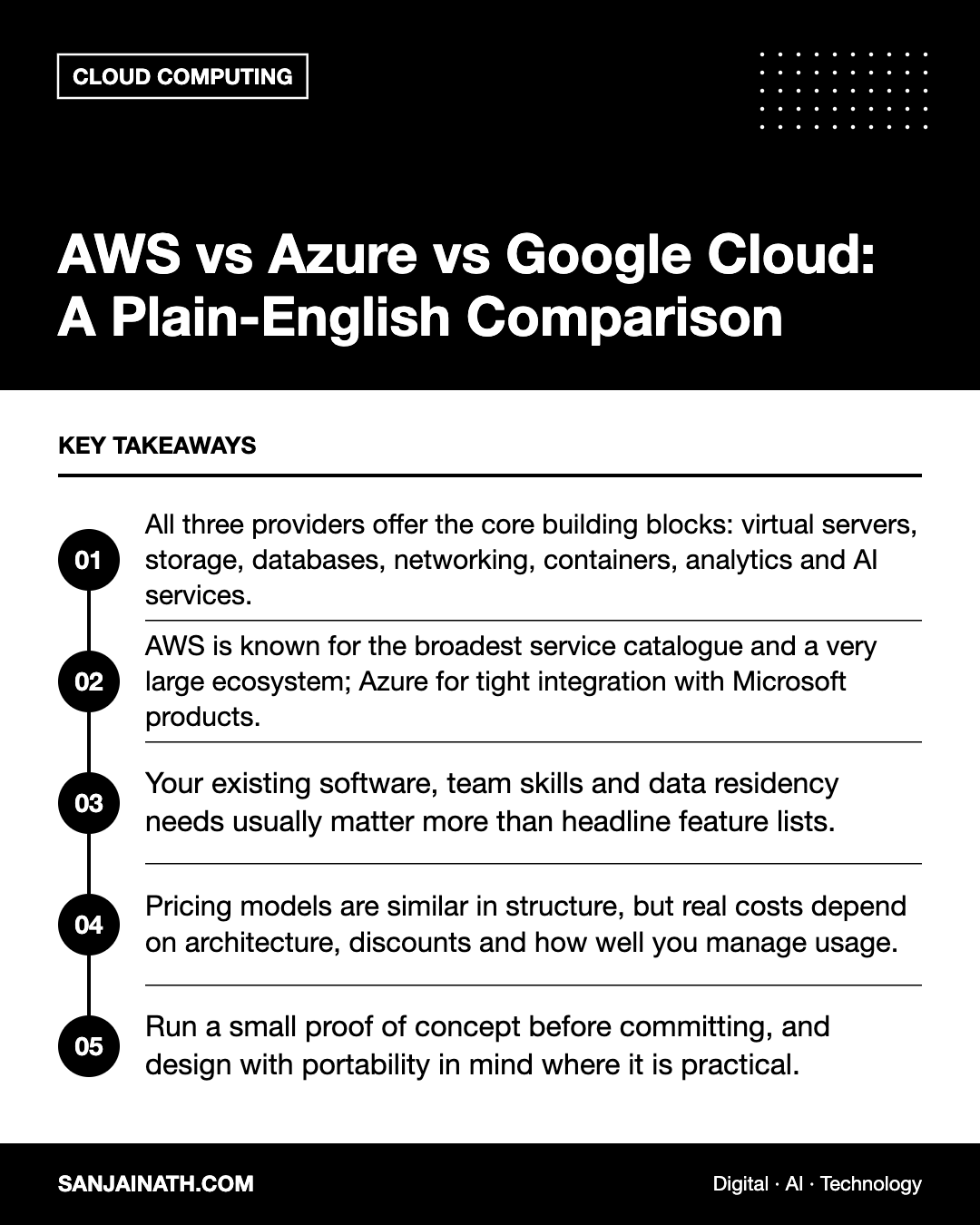
Key takeaways
- All three providers offer the core building blocks: virtual servers, storage, databases, networking, containers, analytics and AI services.
- AWS is known for the broadest service catalogue and a very large ecosystem; Azure for tight integration with Microsoft products; Google Cloud for data, analytics and Kubernetes heritage.
- Your existing software, team skills and data residency needs usually matter more than headline feature lists.
- Pricing models are similar in structure, but real costs depend on architecture, discounts and how well you manage usage.
- Run a small proof of concept before committing, and design with portability in mind where it is practical.
The three providers at a glance
Amazon Web Services (AWS)
AWS was the first of the three to offer public cloud services at scale and remains the platform many engineers learned on. It is known for an extremely wide range of services, deep configuration options and a large marketplace of third-party tools, consultants and training material. The flip side of that breadth is complexity: newcomers can find the console and naming conventions overwhelming.
Microsoft Azure
Azure is the natural choice for many organisations already invested in Microsoft technology, such as Windows Server, SQL Server, Microsoft 365, Entra ID (formerly Azure Active Directory) and .NET. It is strong in hybrid scenarios, where some workloads stay on premises, and it is widely used by large enterprises and public sector bodies. Licensing benefits for existing Microsoft customers can be an important factor.
Google Cloud
Google Cloud draws on Google’s own experience running massive infrastructure. It is particularly well regarded for data analytics, with BigQuery as a flagship service, for machine learning tooling and for Kubernetes, which originated at Google. Many teams also find its console and project structure relatively clean. Its partner ecosystem is smaller than those of its two larger rivals, though it continues to grow.
AWS vs Azure vs Google Cloud: core services compared
The same concepts appear on every platform under different names. This table maps common services so you can compare like with like.
| Need | AWS | Azure | Google Cloud |
|---|---|---|---|
| Virtual servers | EC2 | Virtual Machines | Compute Engine |
| Object storage | S3 | Blob Storage | Cloud Storage |
| Managed relational databases | RDS, Aurora | Azure SQL Database | Cloud SQL, AlloyDB |
| Managed Kubernetes | EKS | AKS | GKE |
| Serverless functions | Lambda | Azure Functions | Cloud Run functions |
| Data warehouse | Redshift | Synapse / Microsoft Fabric | BigQuery |
| Identity and access | IAM | Entra ID, RBAC | Cloud IAM |
Service names and bundles change over time, so always check each provider’s current documentation. The key point is that for mainstream workloads, such as hosting a website, running a database or storing files, all three can do the job well.
What really drives the decision
Feature-by-feature comparisons rarely settle the question. These practical factors usually matter more.
1. Your existing technology
If your business runs on Microsoft 365 and Windows, Azure often reduces friction for identity, licensing and support. If your data team already relies on Google Workspace and BigQuery, Google Cloud may be simpler. If your developers have AWS experience, that knowledge has real value.
2. Team skills and hiring
A platform your team understands will be run more securely and more cheaply than one they are learning under pressure. Consider the local talent pool and the availability of certified partners in your market.
3. Regions and data residency
Where your data lives can be a legal or contractual requirement. All three providers have been expanding their data centre regions, including in the Middle East, but the specific services available vary by region. For UAE and Saudi organisations with residency obligations, confirm that the exact services you need are offered in an in-country or approved region before deciding.
4. Workload type
- Enterprise Windows and .NET applications: Azure is often a comfortable fit.
- Large-scale analytics and data science: Google Cloud is frequently shortlisted, though all three have strong offerings.
- Broad, varied workloads with niche requirements: AWS’s catalogue gives the most options.
5. Support and commercial terms
Enterprise agreements, committed-use discounts, startup credits and support plans can change the economics considerably. Talk to each provider or a partner about your expected usage.
Understanding cloud pricing
The pricing structures of the three providers look similar. You pay for what you use, typically by the second or hour for compute, per gigabyte for storage and per gigabyte for data leaving the cloud, often called egress. Each offers discounts for committing to usage over one to three years and cheaper spare-capacity instances that can be interrupted.
In practice, the bill depends far more on how you build and manage your environment than on the list price. Common sources of overspend include:
- Servers left running at full size when they are rarely used.
- Forgotten test environments, snapshots and unattached storage.
- Unexpected data transfer charges between regions or out to the internet.
- Choosing premium database tiers by default.
Use each provider’s pricing calculator to model your specific workload, set budgets and alerts from day one, and tag resources by project or team so costs can be traced.
Multi-cloud and portability
Some organisations deliberately use more than one provider, for example Azure for corporate systems and Google Cloud for analytics. This can make sense, but it also doubles the skills, security policies and tooling you need to manage. For most small and mid-sized businesses, going deep on one primary provider is simpler.
You can still reduce lock-in by using containers, infrastructure as code tools such as Terraform, open-source databases and standard APIs where they fit. Accept that some provider-specific services are worth using because they save time.
A simple decision checklist
- List your main workloads and any compliance or residency requirements.
- Note your existing software licences, identity system and team skills.
- Shortlist two providers that fit those constraints.
- Build a small proof of concept on each using a real workload.
- Compare performance, ease of use, support quality and modelled costs.
- Negotiate commercial terms and choose a primary platform.
Frequently asked questions
Which is cheapest: AWS, Azure or Google Cloud?
There is no universal answer. Costs vary by service, region, discount and architecture, and the cheapest option for one workload may not be cheapest for another. Model your own usage with each provider’s calculator.
Is one provider more secure than the others?
All three invest heavily in security and hold major compliance certifications. Most cloud security incidents stem from customer misconfiguration, so your own practices matter more than the choice of provider.
Can I move from one cloud to another later?
Yes, but migrations take time and effort, especially when you rely on provider-specific services. Using containers and infrastructure as code makes a future move easier.
Do I need a cloud partner?
Not always. Small teams can start directly, but a certified partner can speed up migrations, help with architecture and sometimes unlock better commercial terms.
Final thoughts
When comparing AWS vs Azure vs Google Cloud, the best choice is usually the one that fits your existing tools, skills and compliance needs rather than the one with the longest feature list. Shortlist carefully, test with real workloads, keep a close eye on costs and build in sensible portability. Whichever you choose, disciplined management will matter more than the logo on the invoice.