

Choosing the best AI assistant for your work is no longer a question of which tool is “smartest”. ChatGPT, Gemini, Claude and Microsoft Copilot are all highly capable, and the real differences lie in how each one fits your existing software, your data policies and the kind of work you do every day. This guide compares them on practical terms so you can make a confident, low-risk decision for yourself or your team.
Key takeaways
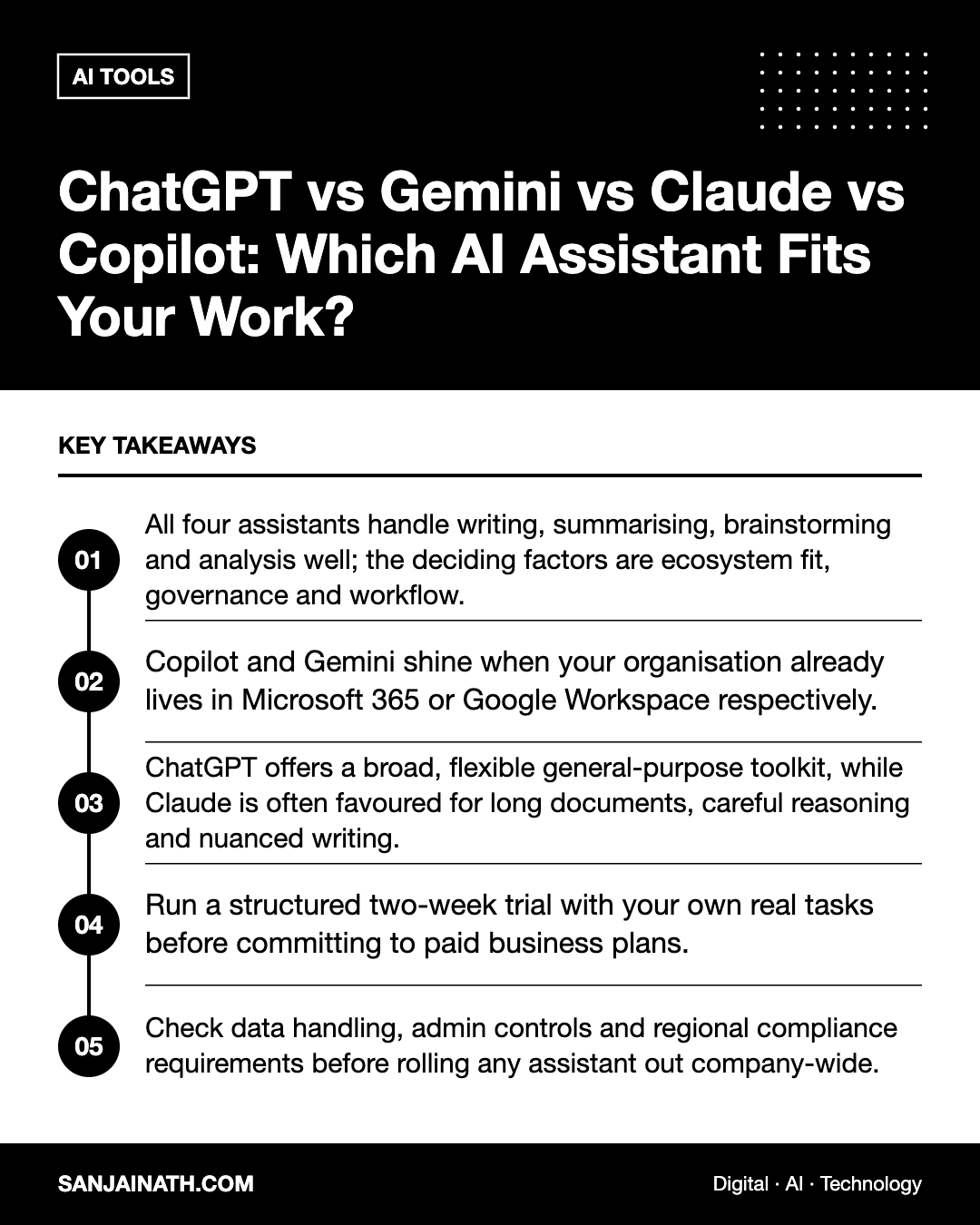
- All four assistants handle writing, summarising, brainstorming and analysis well; the deciding factors are ecosystem fit, governance and workflow.
- Copilot and Gemini shine when your organisation already lives in Microsoft 365 or Google Workspace respectively.
- ChatGPT offers a broad, flexible general-purpose toolkit, while Claude is often favoured for long documents, careful reasoning and nuanced writing.
- Run a structured two-week trial with your own real tasks before committing to paid business plans.
- Check data handling, admin controls and regional compliance requirements before rolling any assistant out company-wide.
Why “best” depends on your context
A marketing agency drafting campaign copy, a finance team reviewing contracts and a developer debugging code will each get different value from the same assistant. Before comparing features, clarify three things:
- Where your work lives. If your documents, email and meetings sit in one suite, the assistant built into that suite removes friction.
- What you do most often. Long-form writing, data analysis, coding, research and meeting summaries each favour different strengths.
- What your organisation allows. Data residency, retention and access controls may rule options in or out before quality is even considered.
A quick profile of each assistant
ChatGPT (OpenAI)
ChatGPT is the most widely recognised general-purpose assistant. It typically offers a broad set of capabilities in one place, including conversation, file analysis, image generation, web browsing and custom assistants that you can configure for repeated tasks. It suits people who want a flexible “Swiss Army knife” and are happy to work in a separate app or browser tab.
Gemini (Google)
Gemini is Google’s assistant and is closely integrated with Google Workspace and Google’s search ecosystem. For teams already using Gmail, Docs, Sheets and Drive, the ability to work with that content directly can save significant time. It is also a natural choice for people who rely heavily on Google services on Android devices.
Claude (Anthropic)
Claude is known for handling long documents, following detailed instructions and producing thoughtful, well-structured writing. Many professionals use it for reviewing reports, drafting policies, analysing lengthy material and coding assistance. It also supports projects and file uploads, making it useful for work that requires consistent context over time.
Microsoft Copilot
Copilot is embedded across Microsoft 365, including Word, Excel, PowerPoint, Outlook and Teams, with a separate consumer version available too. Its biggest advantage is working inside the tools many enterprises already use, drawing on emails, meetings and files the user has permission to access. For organisations standardised on Microsoft, it is often the easiest assistant to govern and deploy.
Side-by-side comparison
| Factor | ChatGPT | Gemini | Claude | Copilot |
|---|---|---|---|---|
| Best ecosystem fit | Standalone, broad integrations | Google Workspace | Standalone, developer tools | Microsoft 365 |
| Typical strengths | Versatility, multimodal tasks | Workspace content, search context | Long documents, careful writing, reasoning | Email, meetings, Office documents |
| Ideal user | Generalists, creators, small teams | Google-first organisations | Analysts, writers, developers | Microsoft-first enterprises |
| Governance angle | Business and enterprise tiers | Managed via Workspace admin | Team and enterprise tiers | Managed via Microsoft 365 admin |
Features, plan names and limits change frequently, so always confirm current details on each vendor’s official pages before making a purchase decision.
Matching the best AI assistant to common roles
Marketers and content teams
Look for strong writing quality, tone control and the ability to reuse brand guidelines. ChatGPT and Claude both allow you to store instructions or project context so that every draft follows the same voice. If your team collaborates in Google Docs, Gemini’s in-document help can be convenient.
Operations and finance
Spreadsheet analysis, report summaries and email triage matter most here. Copilot in Excel and Outlook, or Gemini in Sheets and Gmail, keep work within familiar tools. For reviewing long contracts or policy documents, Claude’s comfort with lengthy inputs is a practical benefit.
Developers and technical teams
All four can help with code, but developers usually care about integration with their editor, the quality of explanations and how well the assistant handles large codebases. Test each against a real bug or refactoring task from your backlog rather than a toy example.
Leaders and managers
Meeting summaries, briefing documents and decision memos are high-value tasks. Copilot in Teams or Gemini in Meet can summarise discussions within the tools you already use, while standalone assistants are strong for turning notes into structured documents.
How to run a fair two-week trial
Marketing claims and online benchmarks rarely reflect your own work. A simple, structured trial gives you evidence you can trust.
- Pick five real tasks you do every week, such as a client email, a report summary, a spreadsheet analysis, a proposal outline and a piece of social content.
- Use the same prompt in each assistant, with the same supporting material, to keep the comparison fair.
- Score the outputs on accuracy, usefulness, editing time required and tone, using a simple one-to-five scale.
- Measure friction: how many copy-and-paste steps or app switches did each task involve?
- Involve two or three colleagues so the decision is not based on one person’s preferences.
Security, privacy and compliance checks
Before rolling out any assistant, especially with client or financial data, work through a short due-diligence checklist:
- Does the business plan exclude your data from model training by default?
- What admin controls exist for user management, audit logs and single sign-on?
- Where is data processed and stored, and does that meet your sector’s rules?
- Can you restrict which files and connectors the assistant can access?
- Is there a clear acceptable-use policy for staff?
For organisations in the UAE and wider GCC, data protection obligations and sector regulators, particularly in finance, healthcare and government, may impose additional requirements. Involve your legal or compliance team early rather than after adoption has already spread informally.
Should you use more than one assistant?
Many professionals end up with a primary assistant built into their productivity suite and a second standalone tool for specialist work, such as long-document analysis or creative drafting. This is reasonable, provided you avoid paying for overlapping seats across a whole team. A common pattern is to license the suite-integrated assistant widely and provide a standalone tool to the smaller group of power users who benefit most.
Frequently asked questions
Which is the best AI assistant for small businesses?
For most small businesses, the best AI assistant is the one that fits the tools you already pay for. If you run on Google Workspace, start with Gemini; if you use Microsoft 365, try Copilot. If you have no strong ecosystem, ChatGPT or Claude offer flexible standalone options.
Are free versions good enough for business use?
Free tiers are useful for testing, but business plans usually add stronger privacy terms, admin controls and higher usage limits. Avoid putting confidential client data into free consumer accounts.
Can these assistants replace employees?
They are best viewed as productivity tools that speed up drafting, research and analysis. Human judgement remains essential for accuracy, relationships, strategy and accountability.
How often should we re-evaluate our choice?
Review your choice roughly every six to twelve months. These products evolve quickly, and a short re-trial with your standard tasks will show whether switching is worthwhile.
Final thoughts
There is no universal winner among ChatGPT, Gemini, Claude and Copilot. The best AI assistant for you is the one that integrates with your daily tools, meets your governance requirements and consistently produces useful output on your real tasks. Start with a structured trial, involve your team, and choose on evidence rather than hype.